Video Studio
A feeling. Frame by frame.
Turn a scene or reference image into motion. Direct the camera, choose a visual treatment and make a clip with somewhere to go.
Create a video- Image to video
- Cinematic clips
- Campaign films
- Storyboards
- Social video
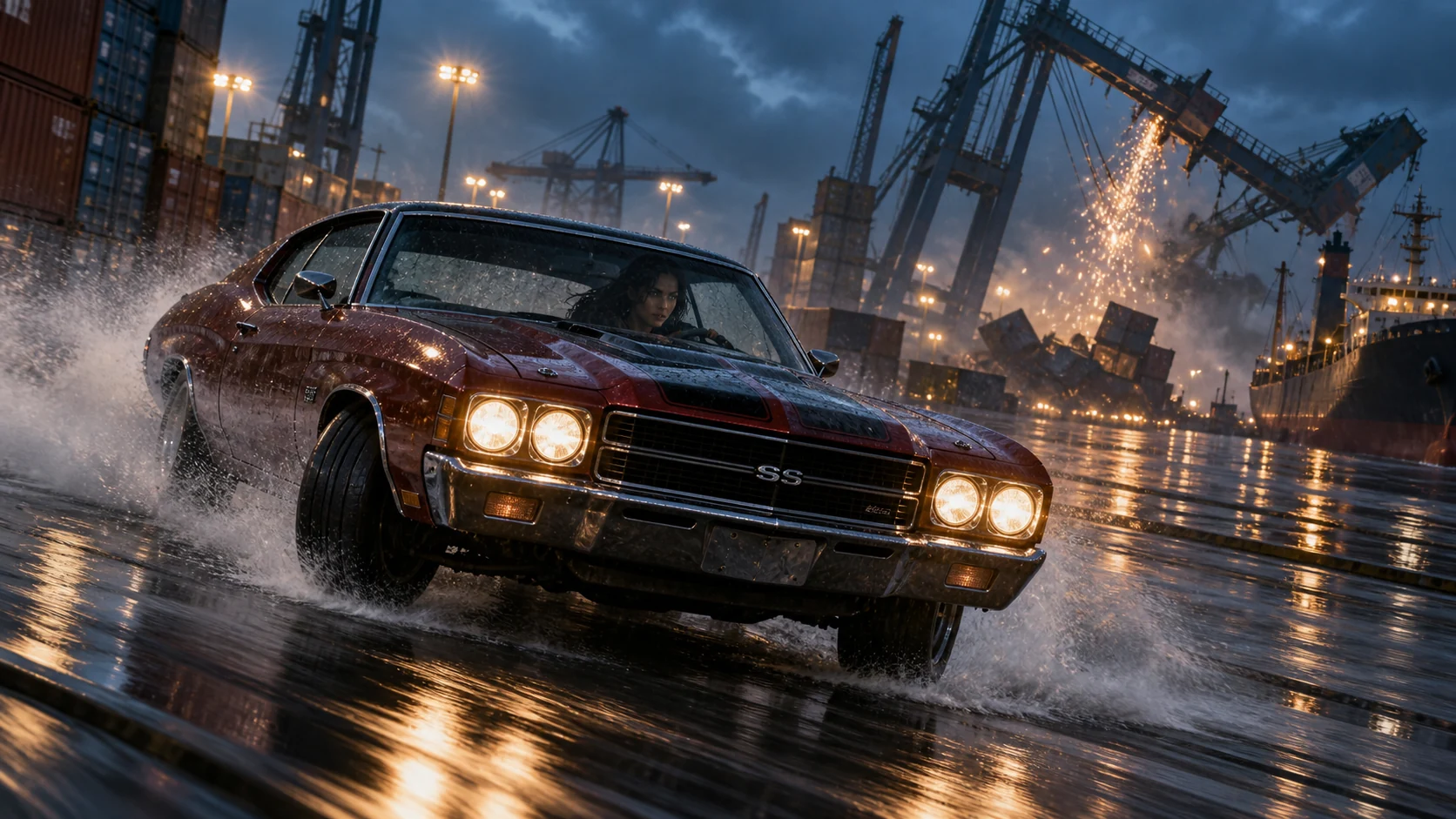
EVERY IDEA HAS A GENRE
Make them
feel something.
From a tiny handmade adventure to a campaign with a world of its own. Start with a scene worth watching.
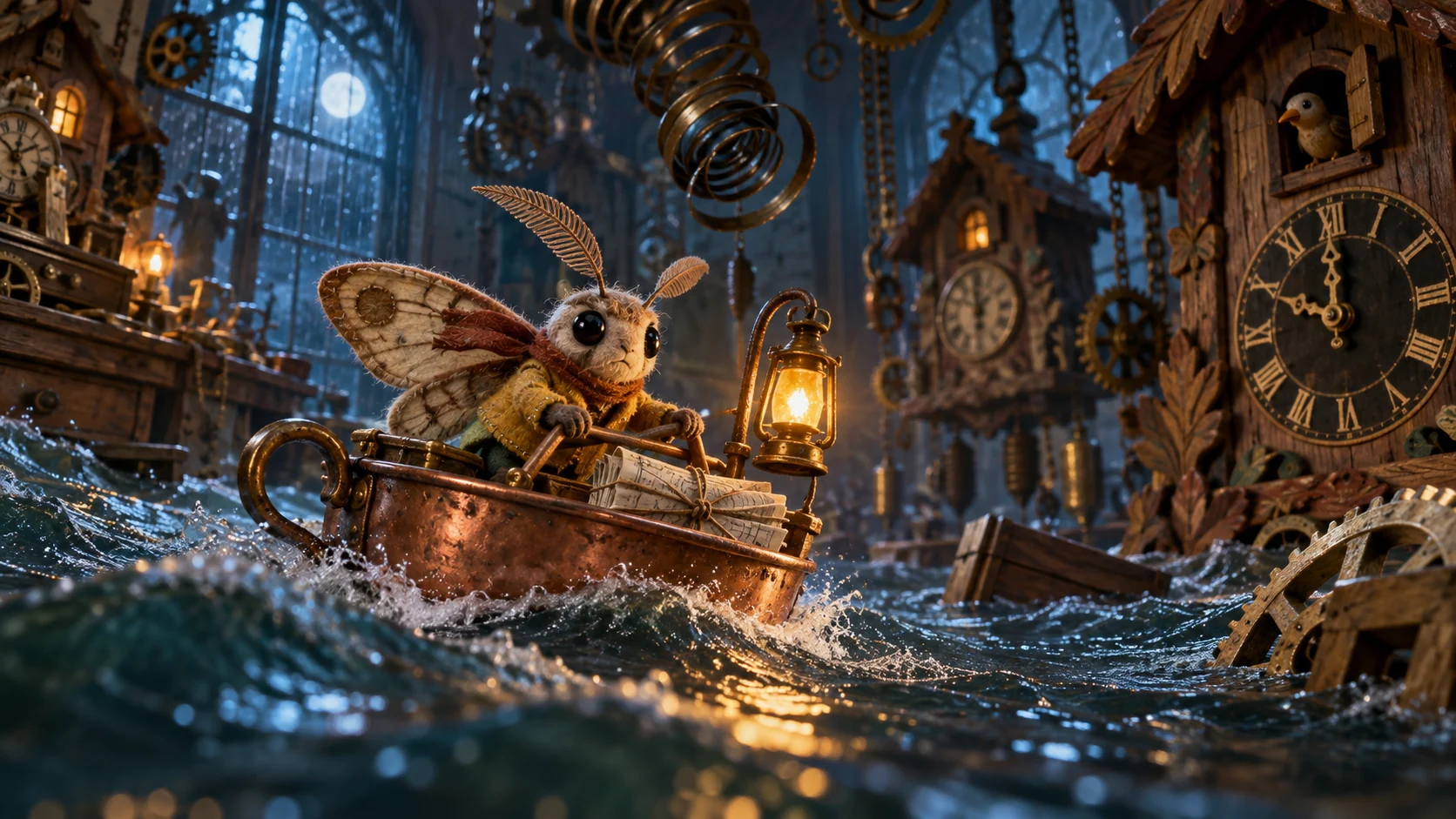 Original concept still
The Midnight Crossing
Small hero. Enormous adventure. A moth, a teacup boat and a workshop that has become an ocean. Give an impossible story a handmade heart.
Original AI-created stills for fictional films and campaigns.
MORE THAN A PROMPT
Your idea.
More ways to direct it.
Shape the starting point, plan the sequence and choose how the shot is made. Keep your creative decisions together.
Start with a look you already love.
Bring an image into Video as your starting frame. Add visual references and describe what happens next. Where supported, set an end frame to give the shot a destination.
Create from an image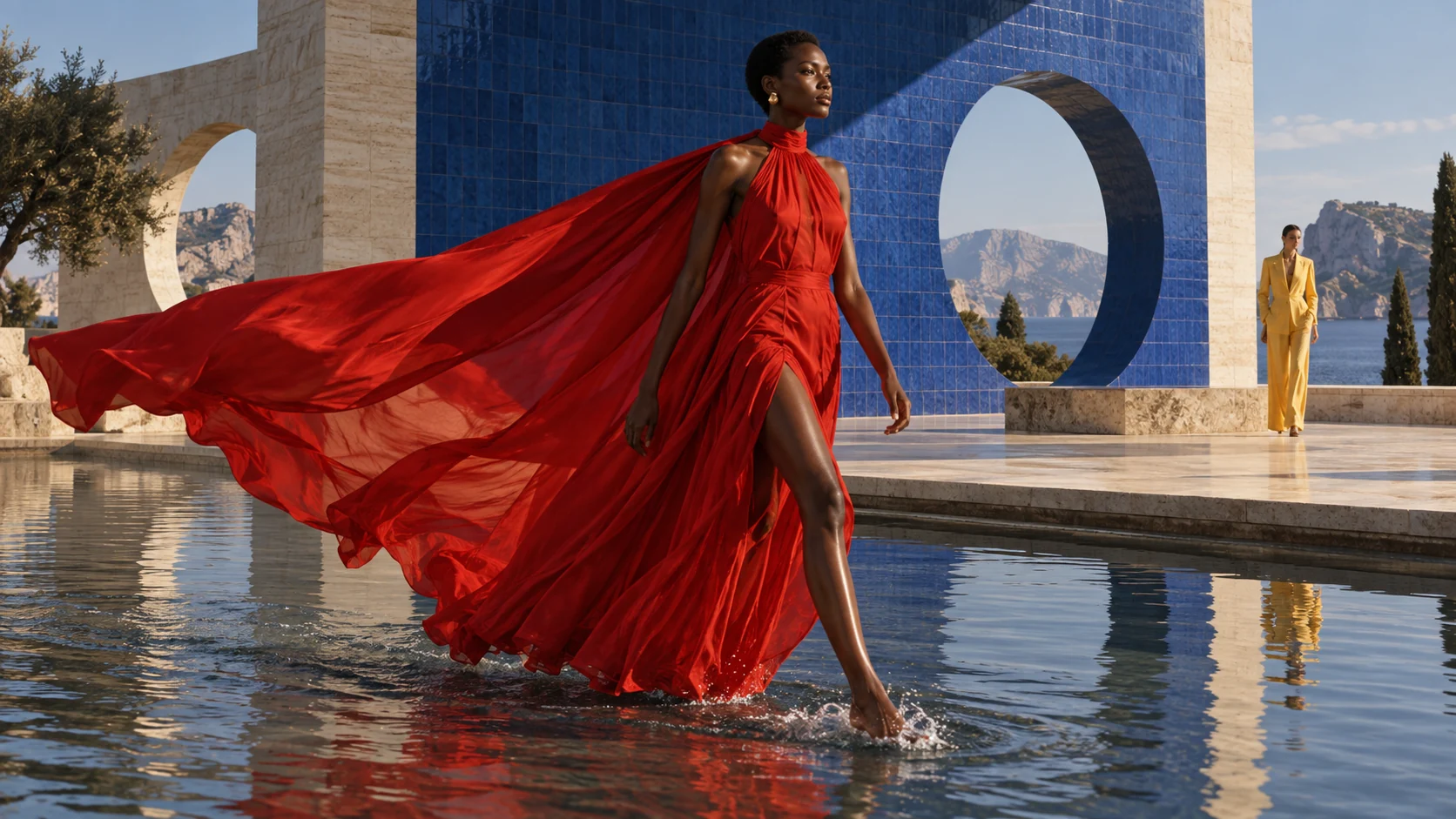
“A slow stride through the water. The silk catches the wind.”
FROM IDEA TO FINISHED WORK
A place for every creative decision.
- 01
Give the scene a starting point.
Begin with a written scene or an image. Describe the subject’s action and what should happen over the course of the clip.
- 02
Choose how we see it.
Set the look, framing and camera direction. Review the duration and output options available for the selected model.
- 03
Watch, then refine.
Review the actual motion. Adjust the brief for timing or continuity, save the clip, or build a longer sequence in Storyboards.
Can I animate a still image?
Yes. Image-to-video starts from a reference frame and a motion brief. Available duration, resolution and audio options depend on the selected model.
How do I create several connected scenes?
Use Storyboards to plan a shot sequence, refine each scene, and render and review the film in a shared visual direction.
KEEP THE IDEA GOING
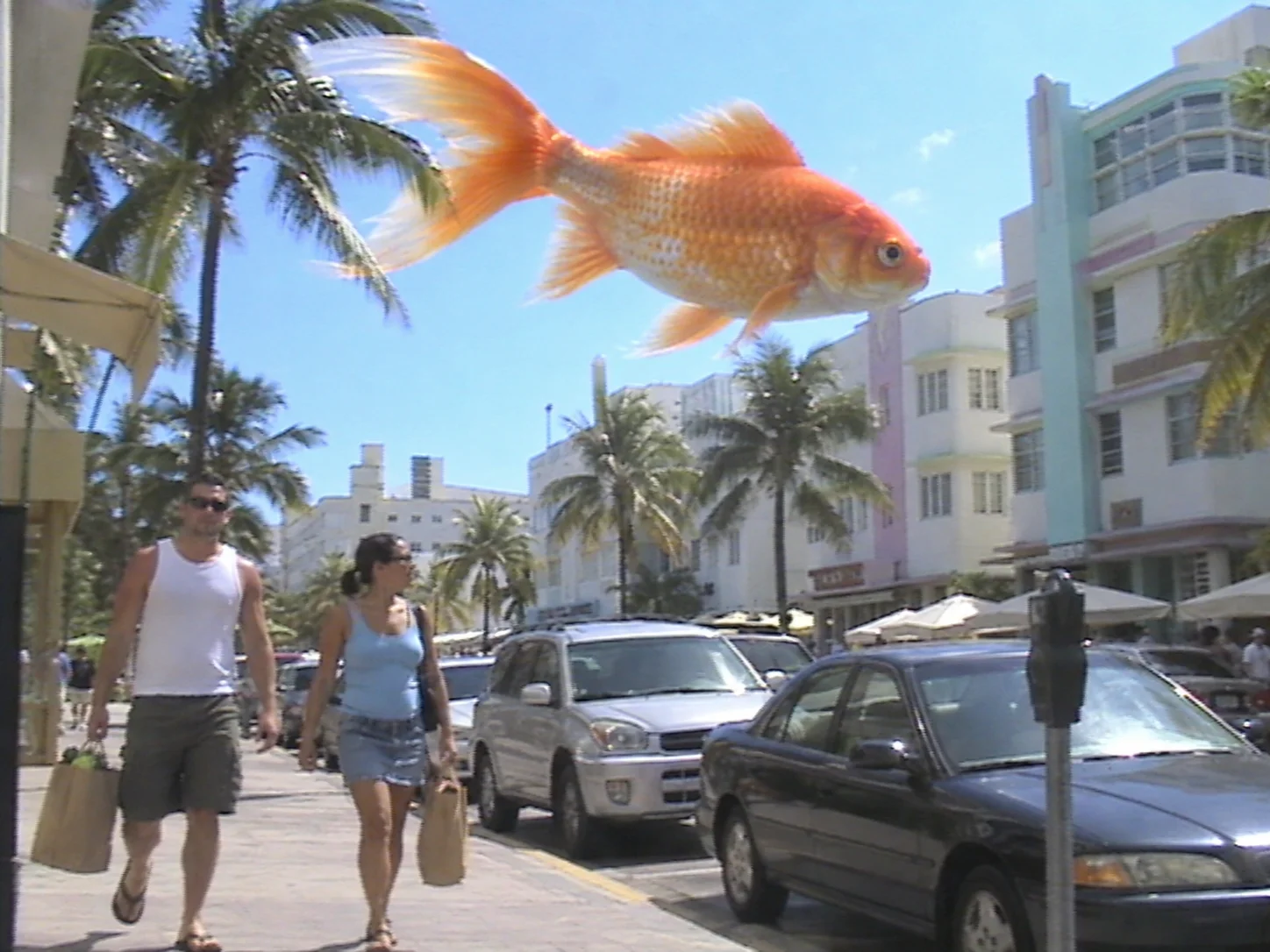
The next part of the story.

Video Studio