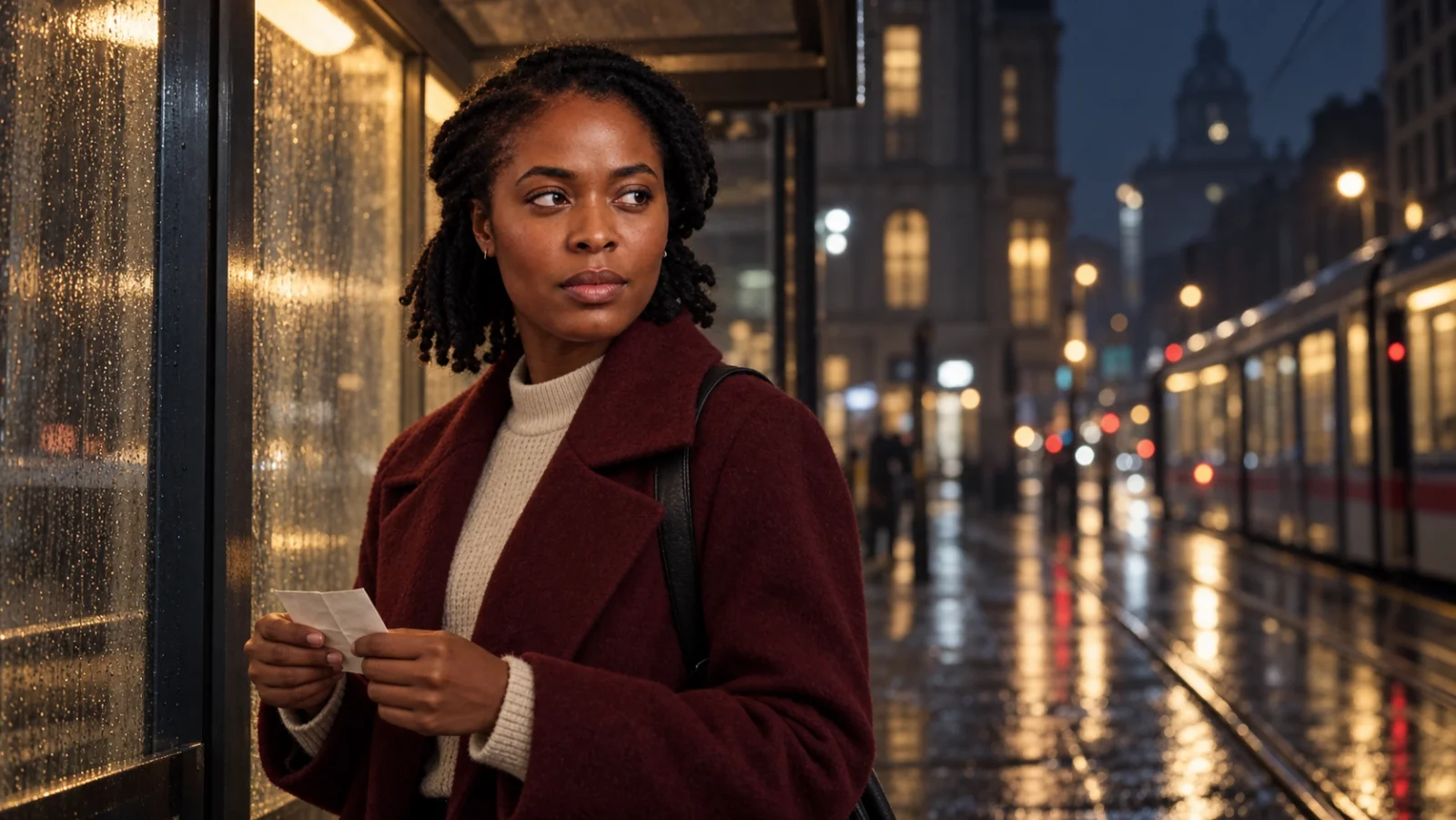
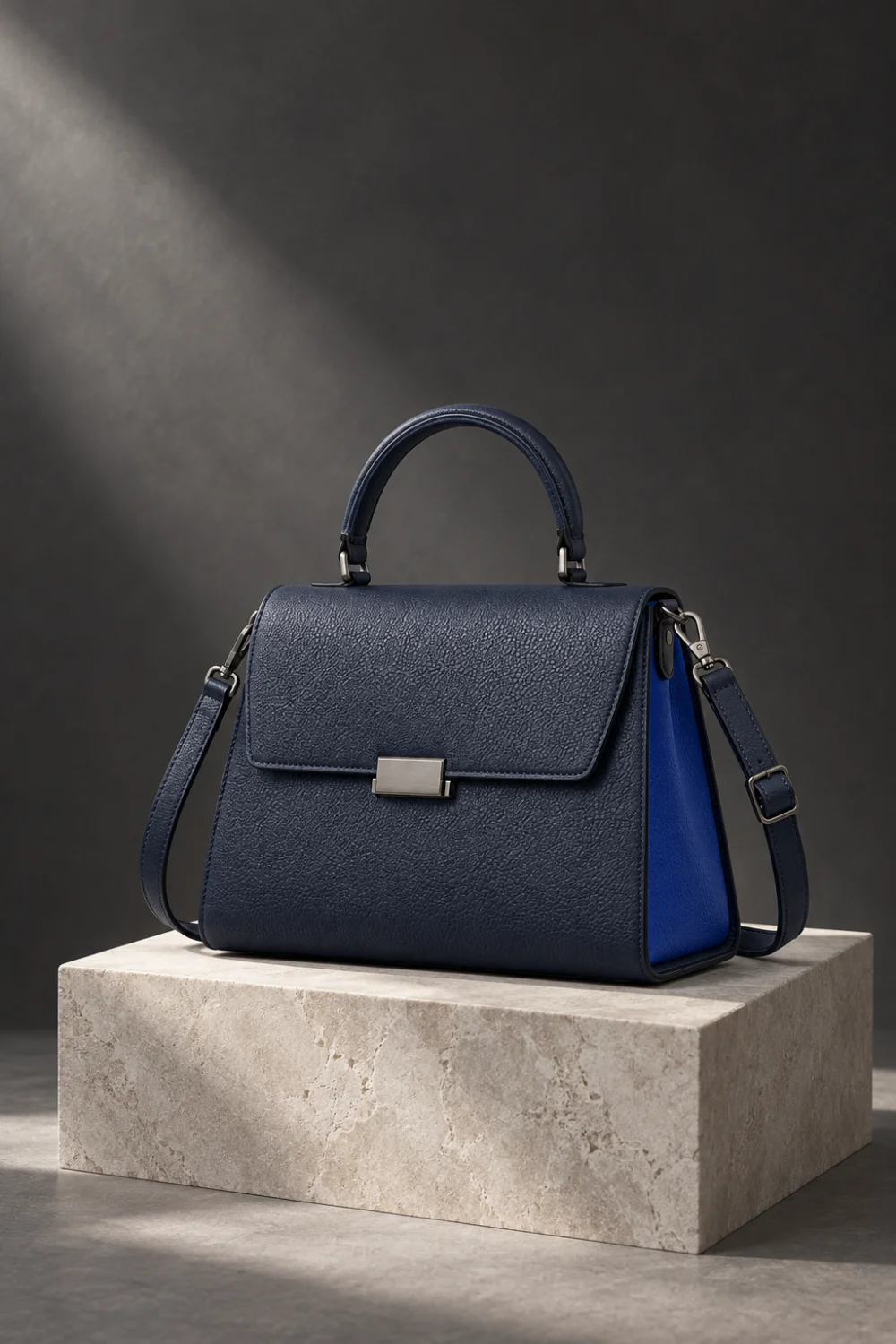
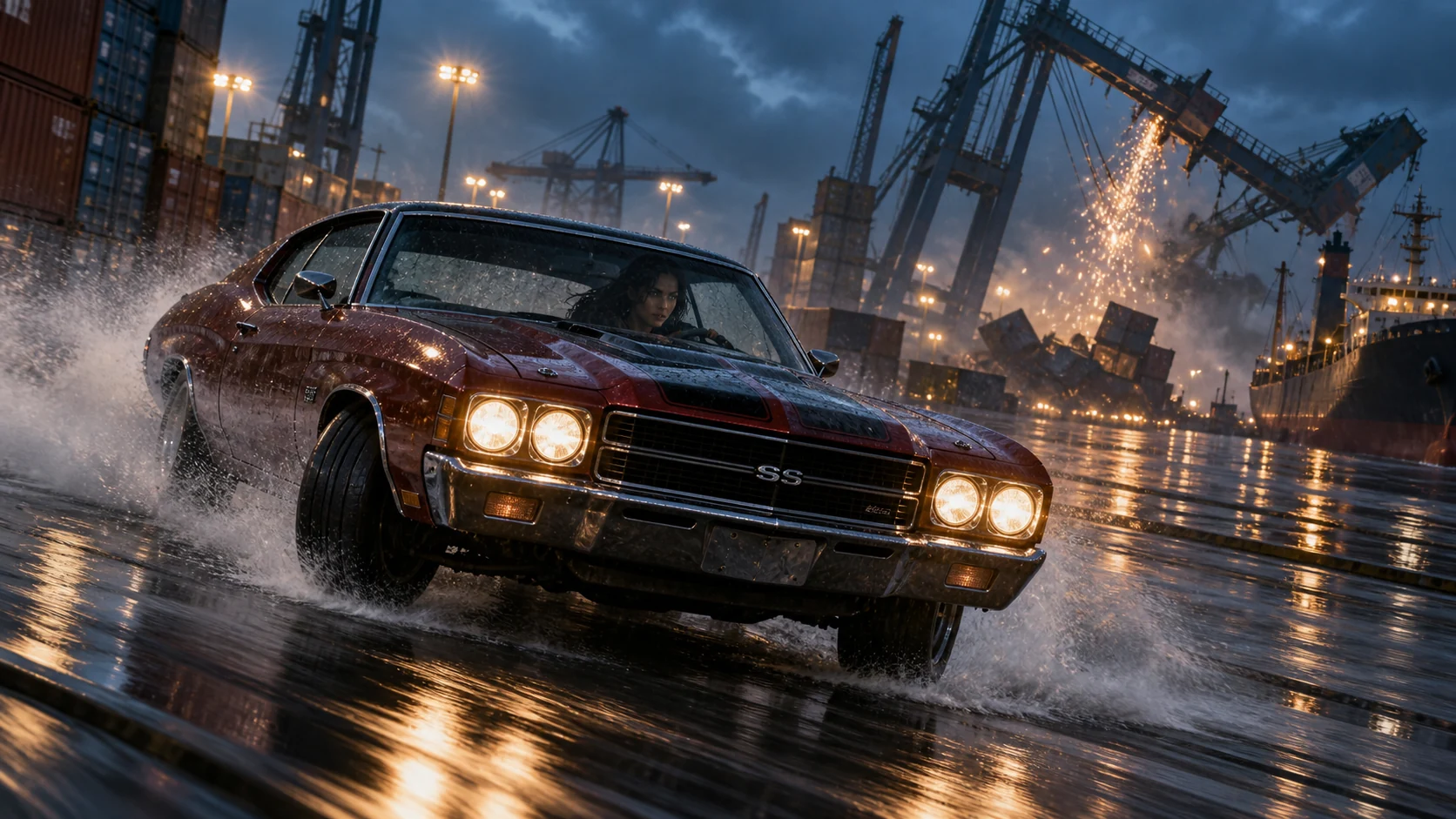
Start with your idea.
Describe the subject, the setting and the moment. Add a reference to guide the person, product or composition.
Photo Studio
An editorial portrait. A tactile still life. An impossible scene that feels photographed. Bring references, choose a look and direct the details.
Create an image
BEHIND THE IMAGE
See the light, the fabric and the space behind the finished frame. The scene feels real because its details belong together.
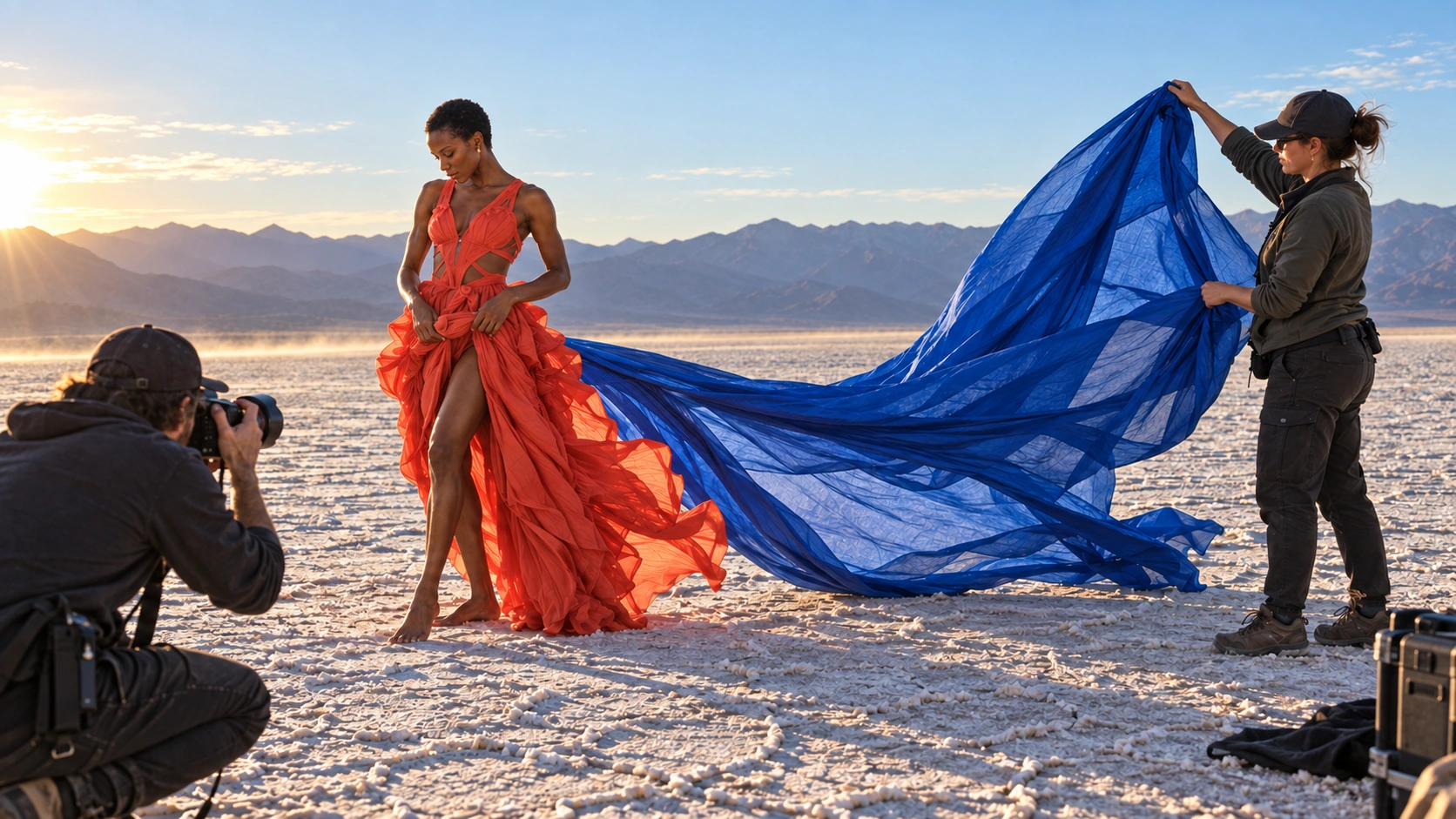
LIGHT. SURFACE. MOMENT.
A skin highlight, the edge of a shadow, a little motion in the frame. Choose the kind of photograph you want to make, then direct what makes it convincing.
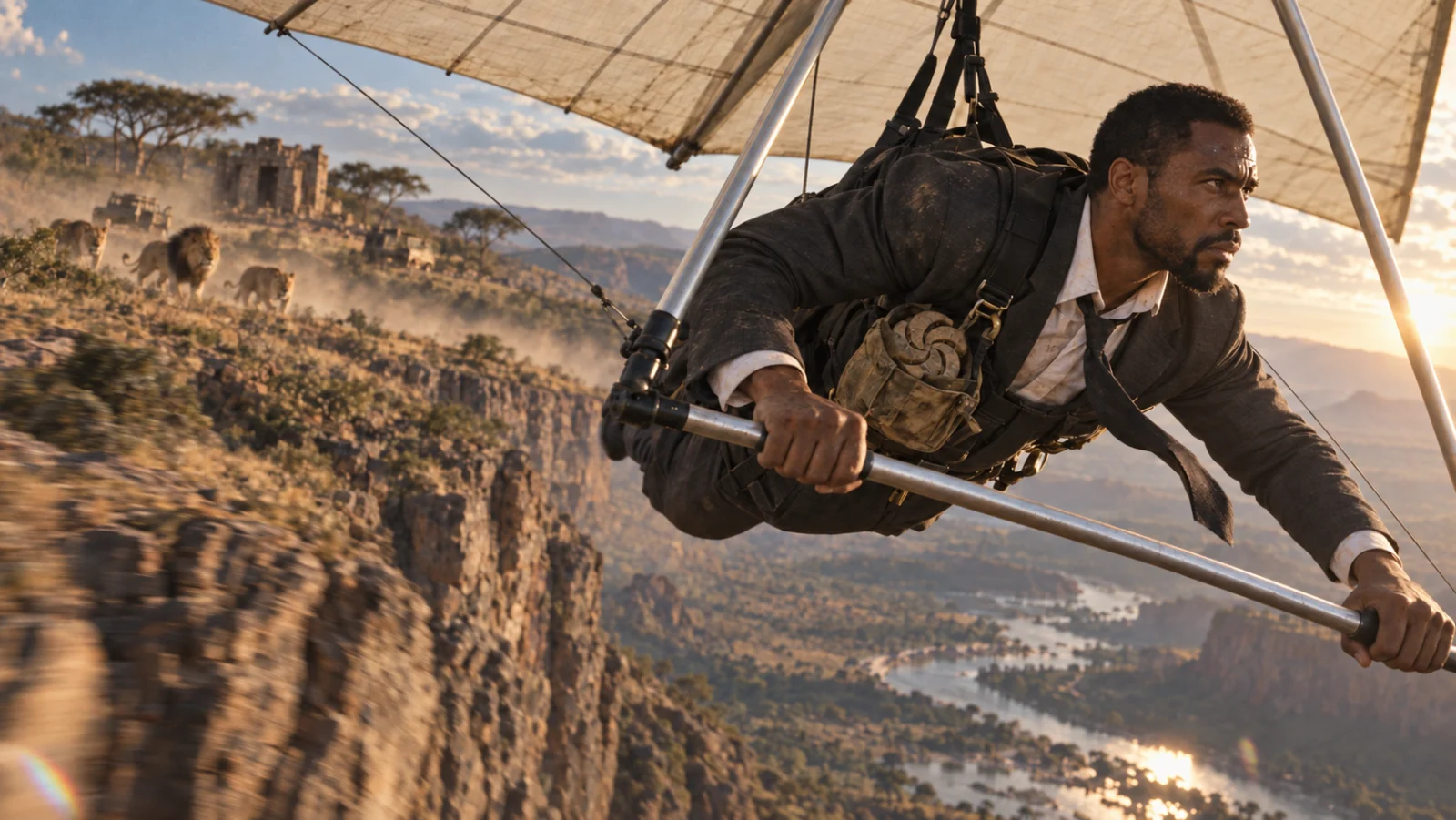
FROM THE IDEA TO THE IMAGE
Bring references, choose a photographic direction and refine the next frame. Photo Studio keeps the idea and the controls in one place.
Describe the subject, the setting and the moment. Add a reference to guide the person, product or composition.
Explore the looks and formulas. Choose the framing and quality that suit the image you have in mind.
Review the result, refine your direction and build on the images you want to take further.

Yes. Add reference images or an image to edit, then explain what should change and what should stay.
Yes. Choose a look or formula in Photo Studio, set an aspect ratio and quality, and refine the brief before creating.
KEEP THE IDEA GOING
Photo Studio