Product Shoots
Your product. A world of possibility.
Start with a product link or reference photos. Build the clean packshot, the tactile detail and the campaign image around the thing you make.
Start a product shoot- Packshots
- Detail studies
- Lifestyle
- Packaging
- Campaign images
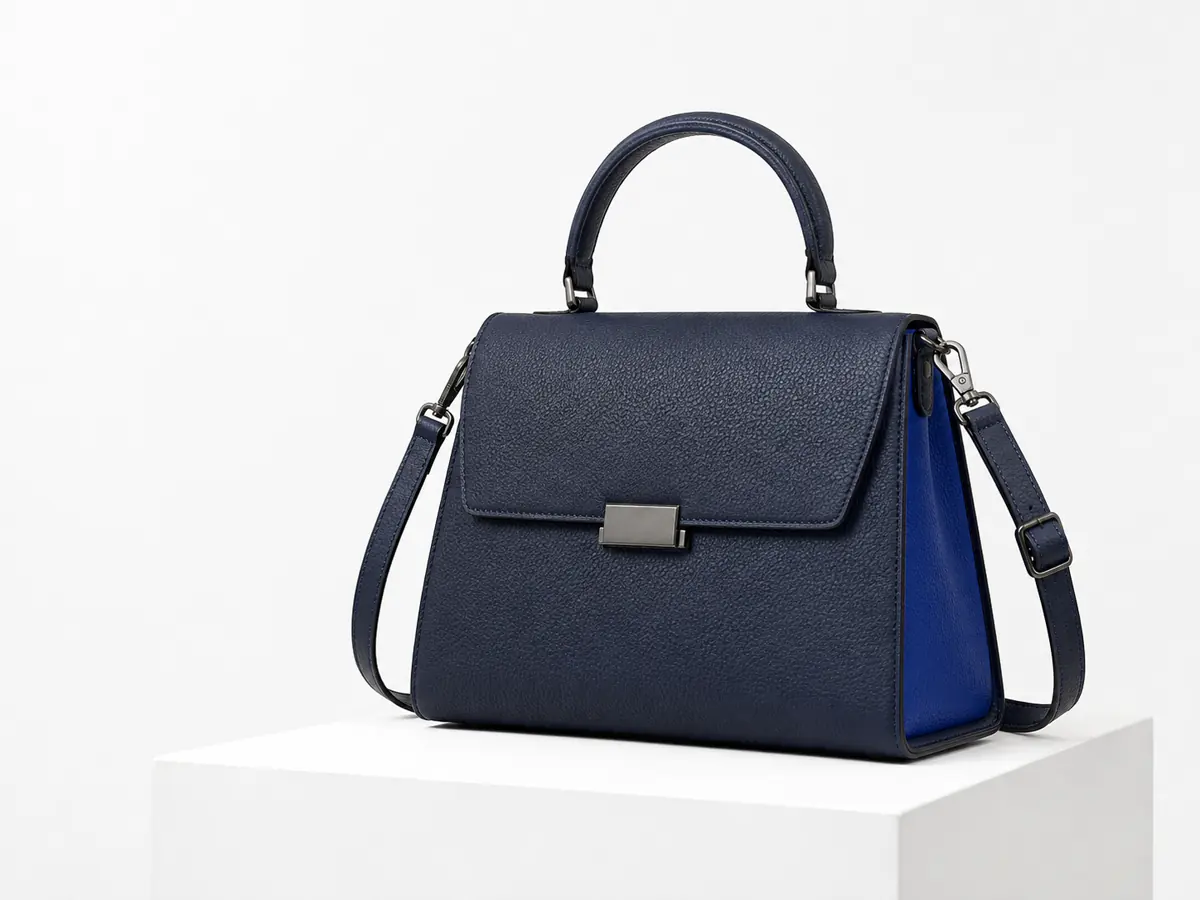
BEHIND THE IMAGE
You can almost feel the leather.
The way light meets a material changes everything. Step outside the frame to see the setup that makes this image feel photographed.
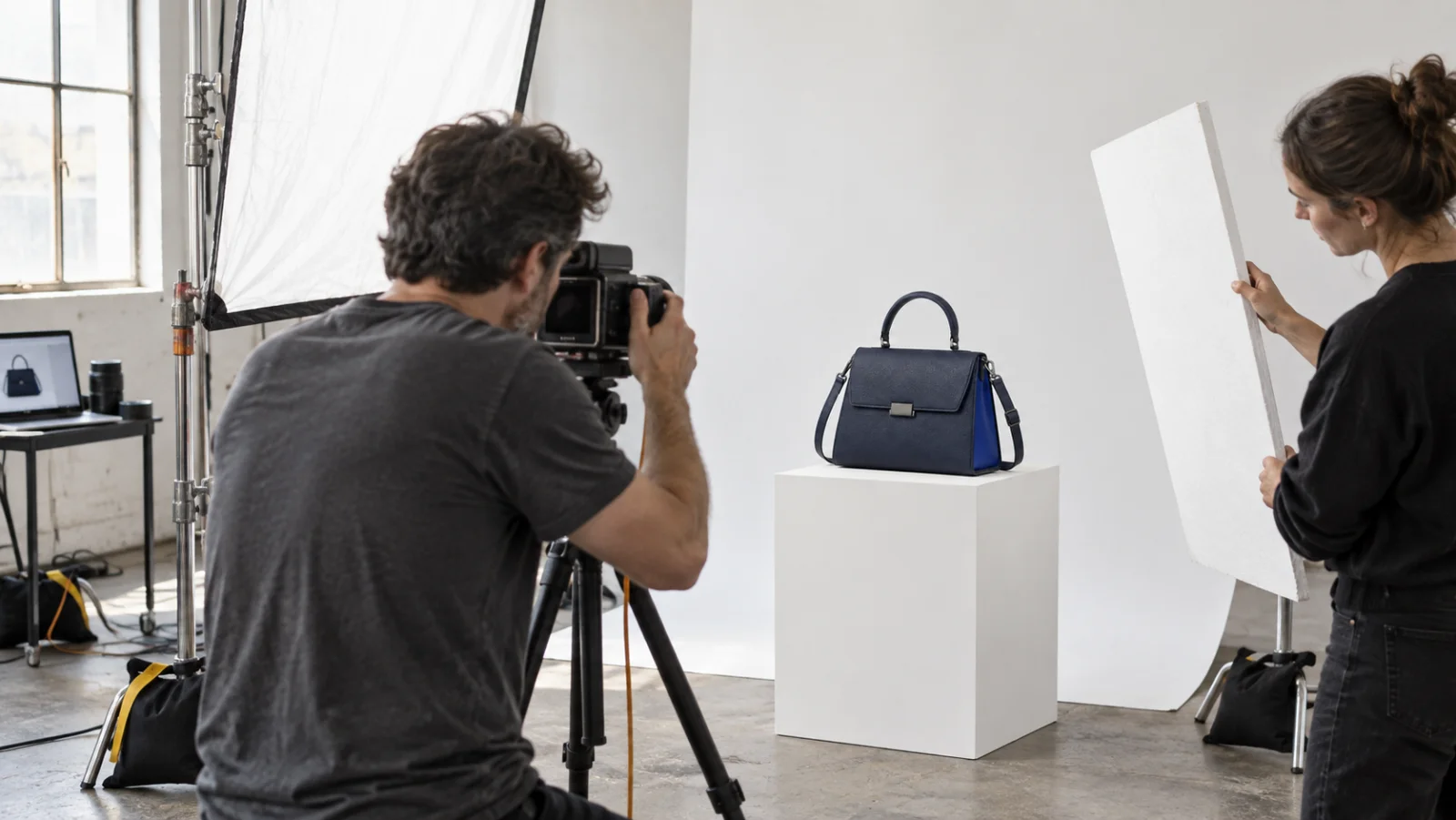
ONE PRODUCT, A COMPLETE SHOOT
From first impression to closer inspection.
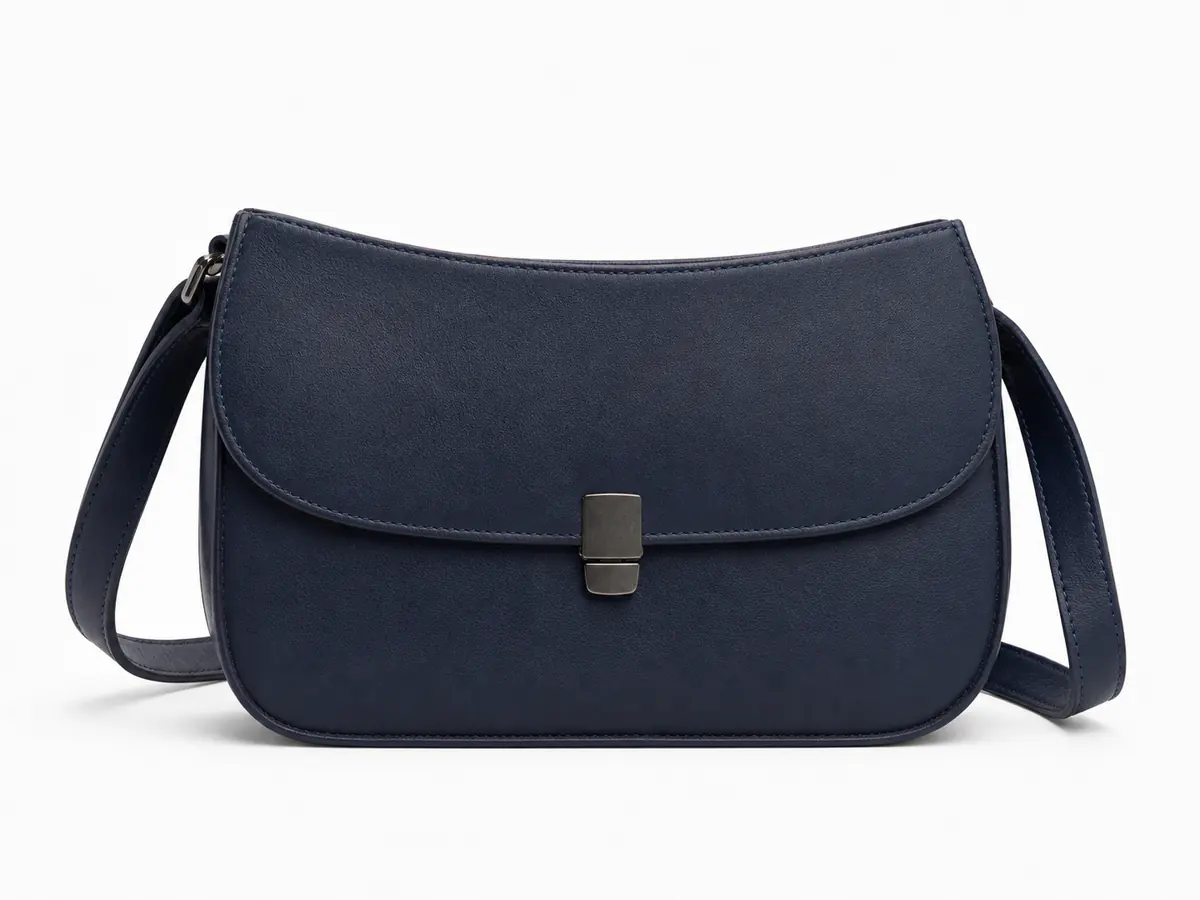
The clean introduction
A clear silhouette, considered light and room for the object to speak.
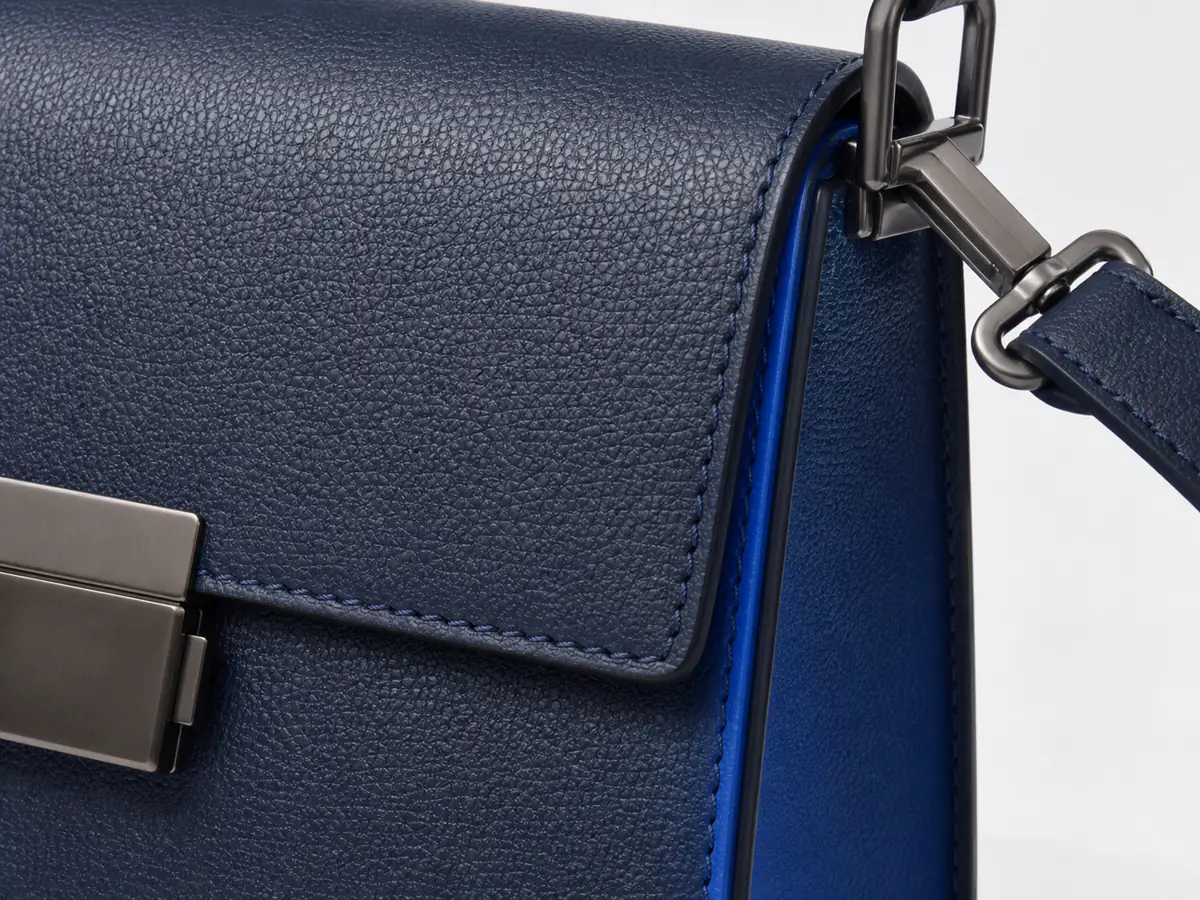
The detail that matters
Leather grain, precise stitching and the finish of the hardware.
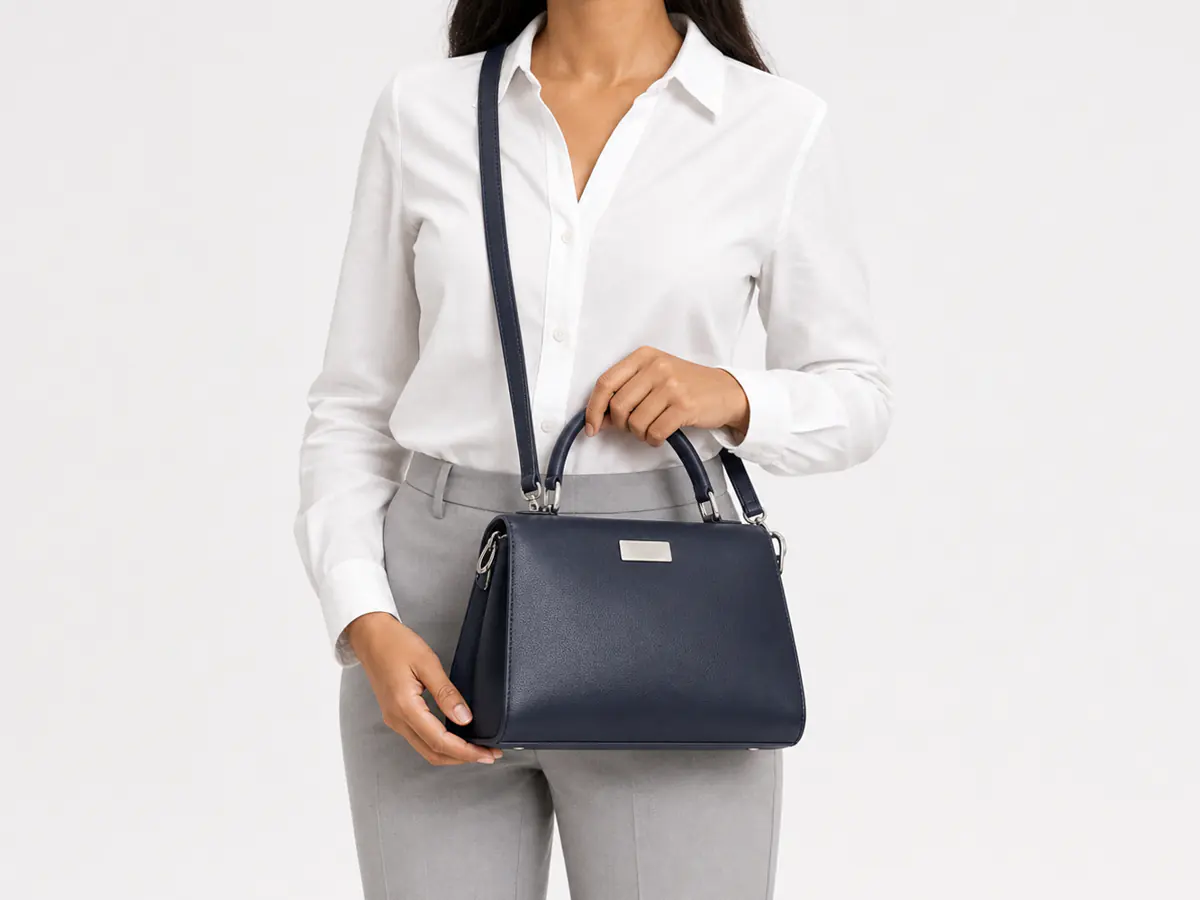
A place in everyday life
Scale, context and a sense of how the product is used.
START WITH WHAT YOU ALREADY HAVE
A product link. Your next starting point.
Bring images from a product page or a collection into Studio, review the selection, and choose the ones that will guide the shoot.
START WITH YOUR STORE
Bring in the product.
Build out the possibilities.
- 01
Paste your website link.
Start with a product page or a collection. Studio reads the products and their reference photos.
- 02
Choose what to shoot.
Pick one product, then select the photos and angles you want to bring into the workspace.
- 03
Give it a new setting.
Choose a shot template, compose a scene and create imagery for your store, social feed or next campaign.
Workflow illustration with Studio-library images. Import depends on a readable public page; direct photo upload is also available.
FROM IDEA TO FINISHED WORK
A place for every creative decision.
- 01
Bring the product into Studio.
Use a readable product page or collection to find product images. Review the imported selection, or upload your own references.
- 02
Build a considered shoot.
Choose the composition, surface, lighting and setting. Keep the product’s shape, material and important details in the brief.
- 03
Review it as a collection.
Compare the packshot, close-up and lifestyle image. Check labels and product details before using the work in a store or campaign.
Does every store link work?
The product page must be publicly readable. If it cannot be imported, upload product reference photos directly. You review the images before creating.
Can I use the images in a product campaign?
Yes. Take selected images into Marketing for campaign creative or Video to explore motion.
KEEP THE IDEA GOING
The next part of the story.

Product Shoots