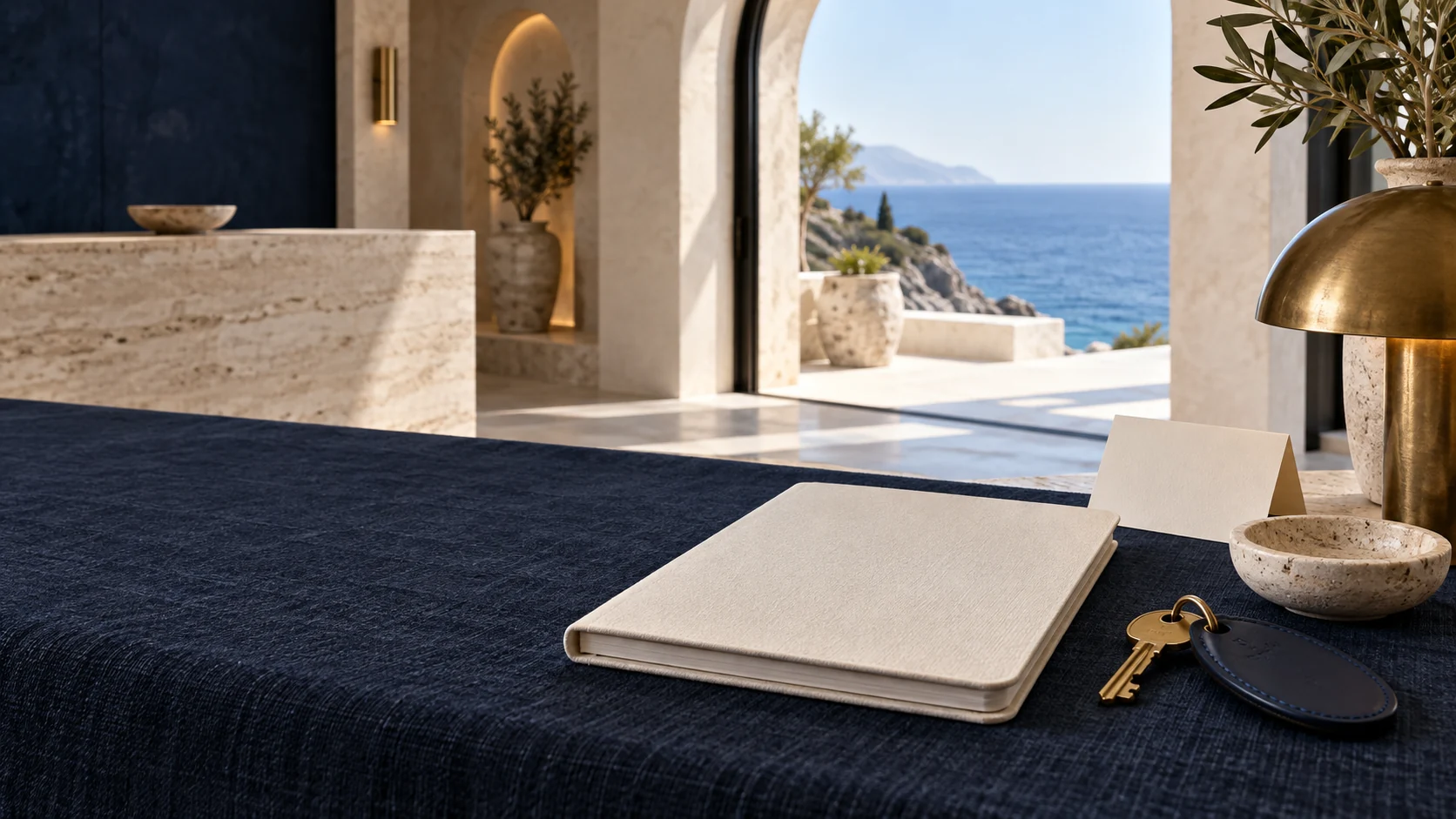
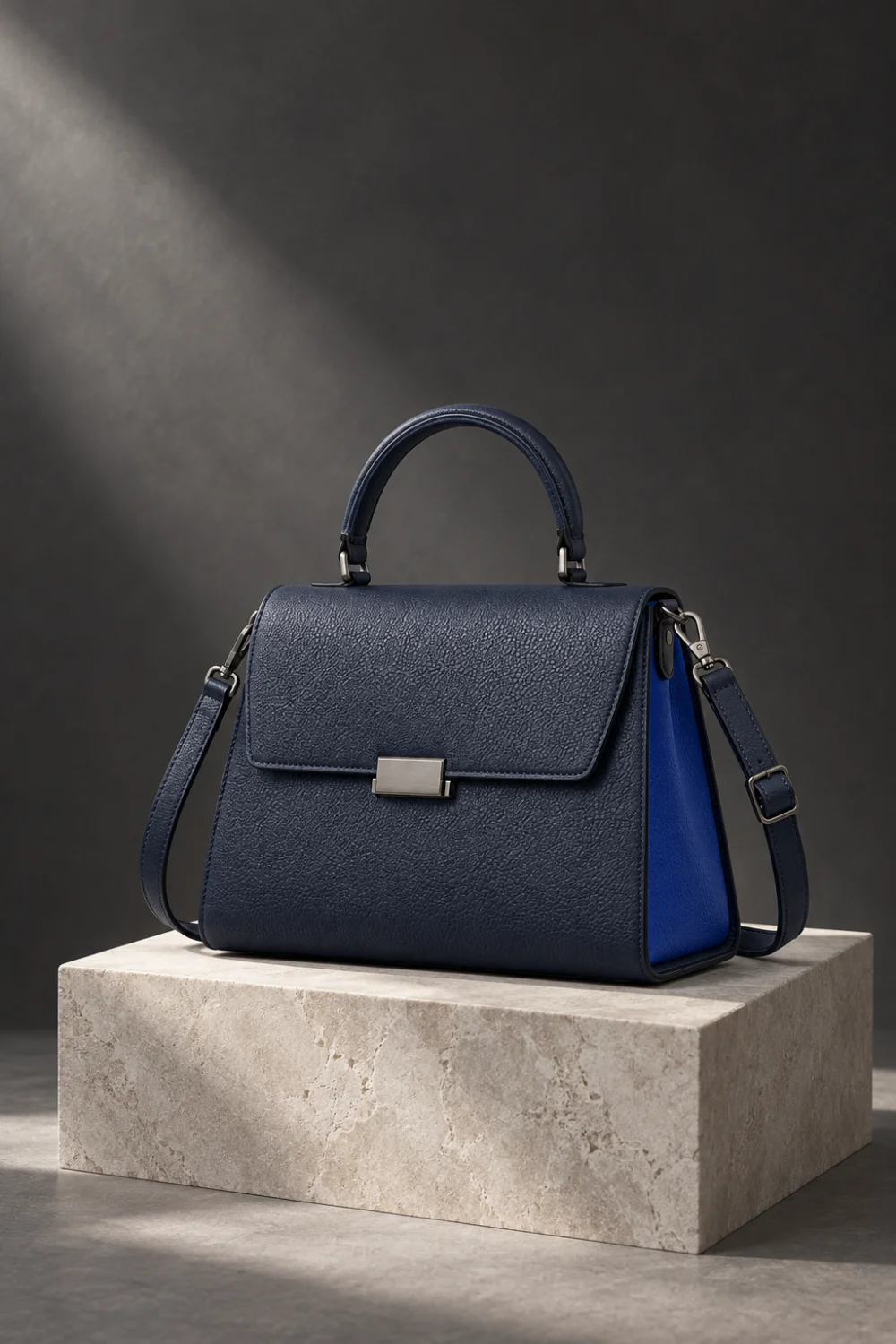
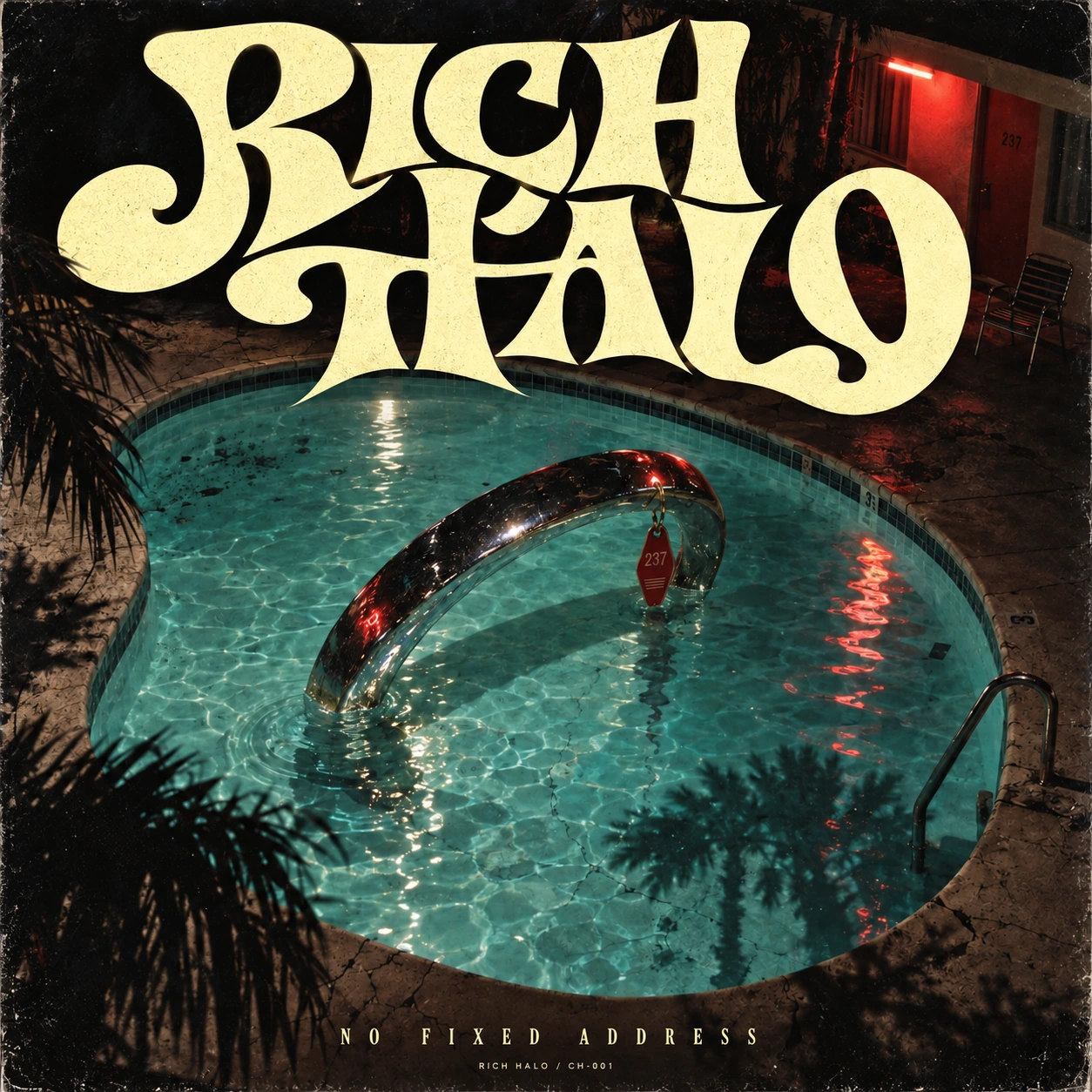
Choose the creative format.
Explore photographic, graphic and video formats built around different ways to tell the story.
Campaign Creative
Develop the world around a launch. From the first visual direction to the hero image, social creative and motion, keep the idea recognizable wherever it appears.
Create campaign assets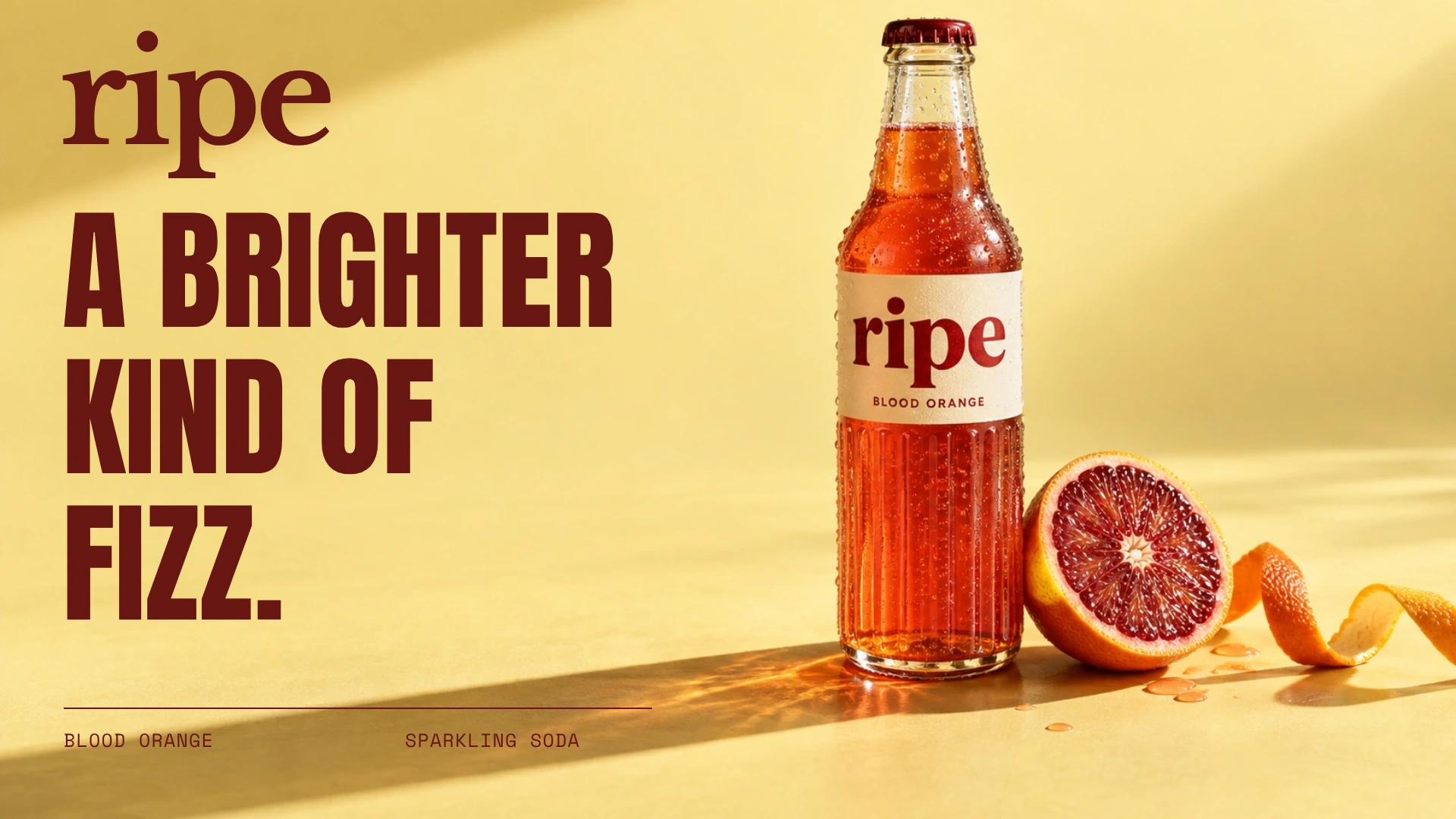
RIPE · Original campaign concept
ONE IDEA. EVERY IMPRESSION.
A photograph gets attention. A campaign gives it somewhere to go. Explore three original directions across a launch visual, social creative and a poster.
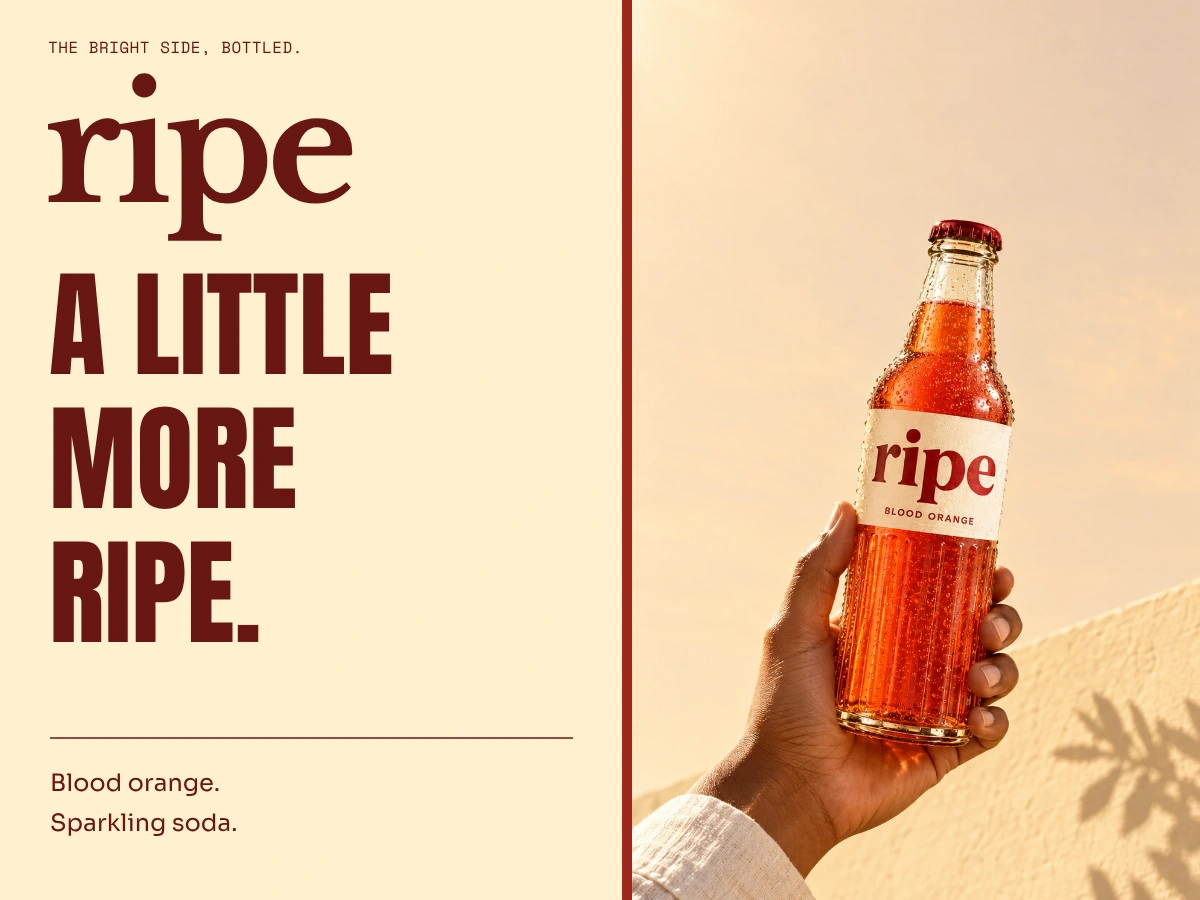 Launch visual
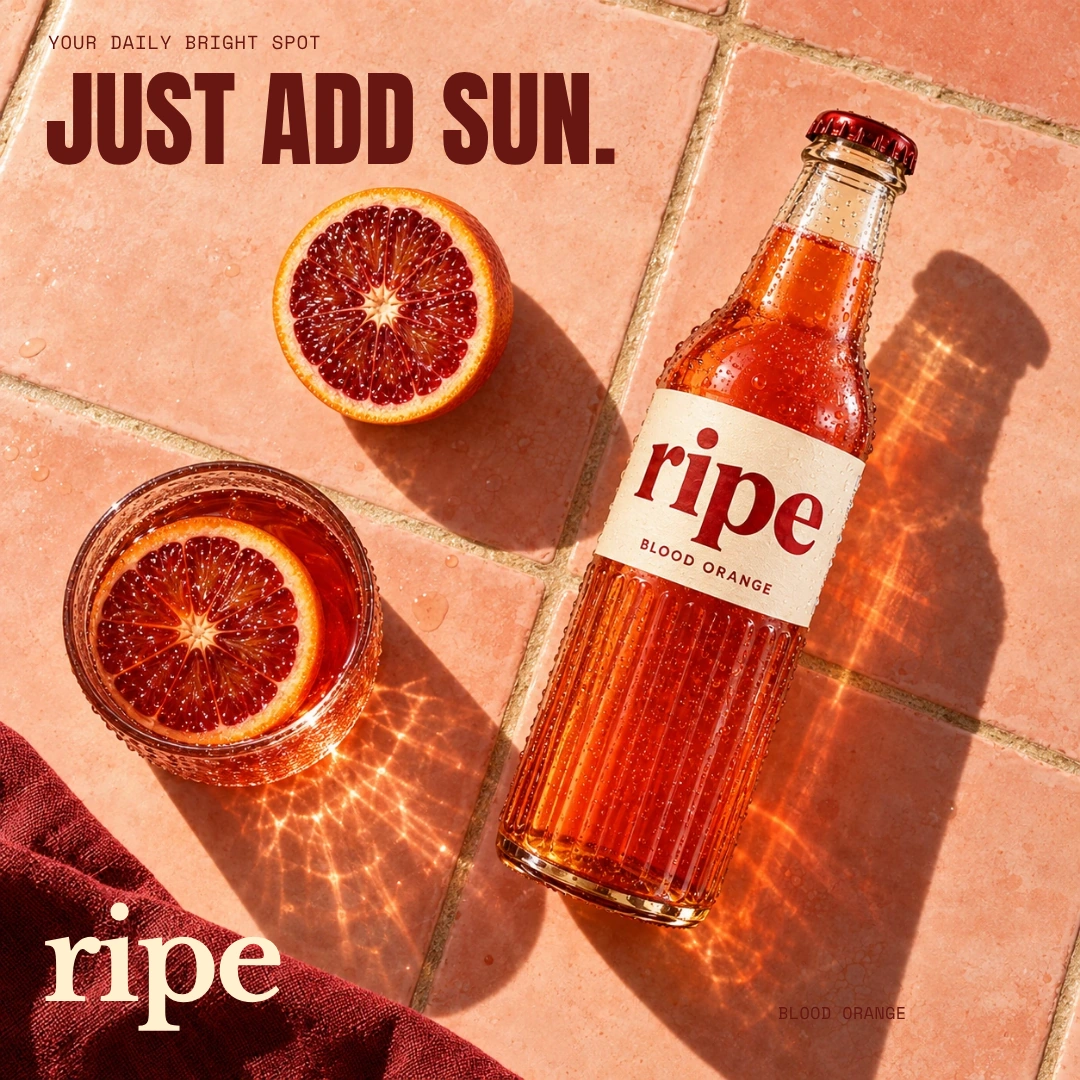 Social creative
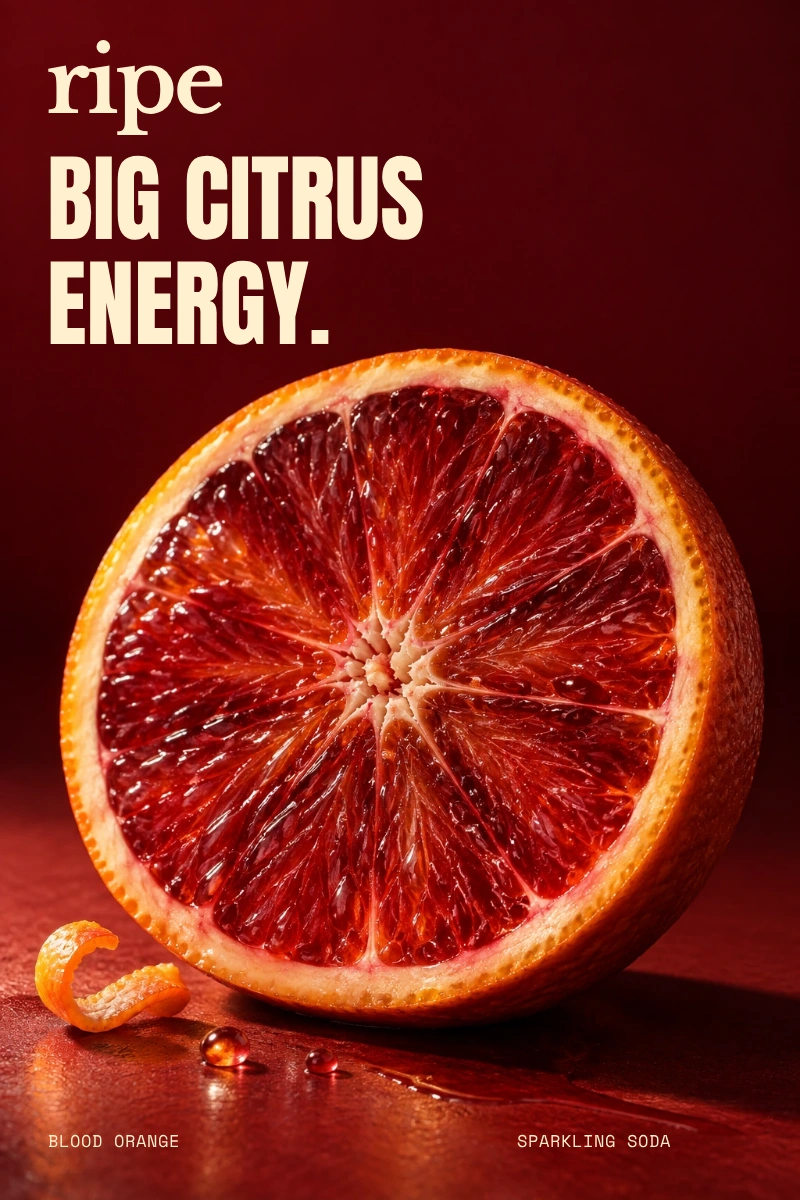 Poster concept
Blood orange, fluted glass and an oxblood wordmark. Four photographs give the campaign a different expression in every format.
Fictional campaigns. AI-created photography with original wordmarks and complete layouts. Select any artwork to view it in full.
FROM THE IDEA TO THE ASSETS
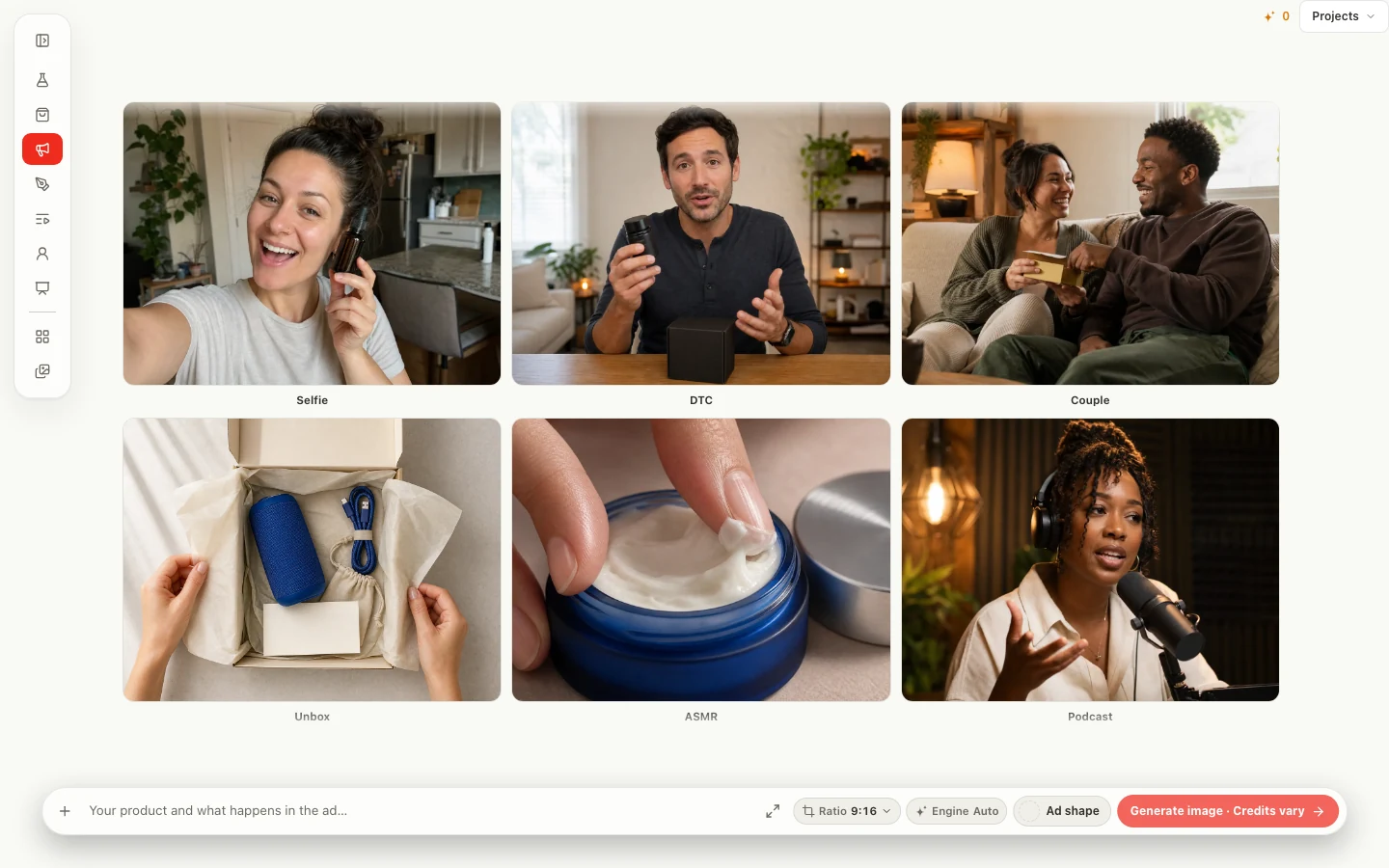
Product launch, creator ad, brand film or campaign poster. Start with a format in Marketing Studio, then bring your own brief and references.
Explore photographic, graphic and video formats built around different ways to tell the story.
Use your workspace brand, product references and people to guide the work. Refine the copy and visual direction as you go.
Create image assets or move into video. Choose the framing and supported options that suit the placement.
FROM IDEA TO FINISHED WORK
Set the audience, message and where the work will appear. Find the visual idea that makes the campaign specific to the brand.
Explore a hero image, product story or character. Carry the references into each new asset and review consistency as you go.
Develop social, poster and video treatments. Choose the composition and visual hierarchy each placement needs.
Yes. The Marketing workflow includes photo and video creative. Photo Studio and Video can help you develop individual assets.
The campaigns shown here are original fictional concepts, with AI-created photography and designed layouts. They illustrate creative directions and applications you can develop in Studio.
KEEP THE IDEA GOING
Campaign Creative