



GPT · Sora
Chat, photos & video

SEPIA LABS / IMAGINATION, WIDE OPEN
Create the image. Direct the film. Build the character. Shape the presentation. Bring your references and keep refining in one creative workspace.
MODEL CHOICE, ONE WORKSPACE
Chat with GPT, Claude and Gemini. Create photos and graphics, then explore video models for the scene you want to make. Sepia brings the models and creative tools into the same workspace.
Chat, photos & video
 Anthropic
Chat
 ByteDance
Video
 Google
Chat, photos & video
Choose a model yourself, or let Auto select a compatible engine for the shot. Video choices also include families such as Kling. Current versions, capabilities and credit estimates are shown in the workspace.
Explore video in StudioAvailability varies by workspace and task. Model names and company marks identify their respective providers; they do not imply endorsement.
Building a recurring cast? Explore Character StudioINSIDE THE STUDIO
A clearer place to create, plan and refine. Move between images, storyboards and editable slides while keeping your direction in view.

Bring an image, a product or a character. Choose a formula, set the frame and refine the result with a focused instruction. Keep the work together as the idea develops.
Create an imageFollow your imagination.
Deck Studio
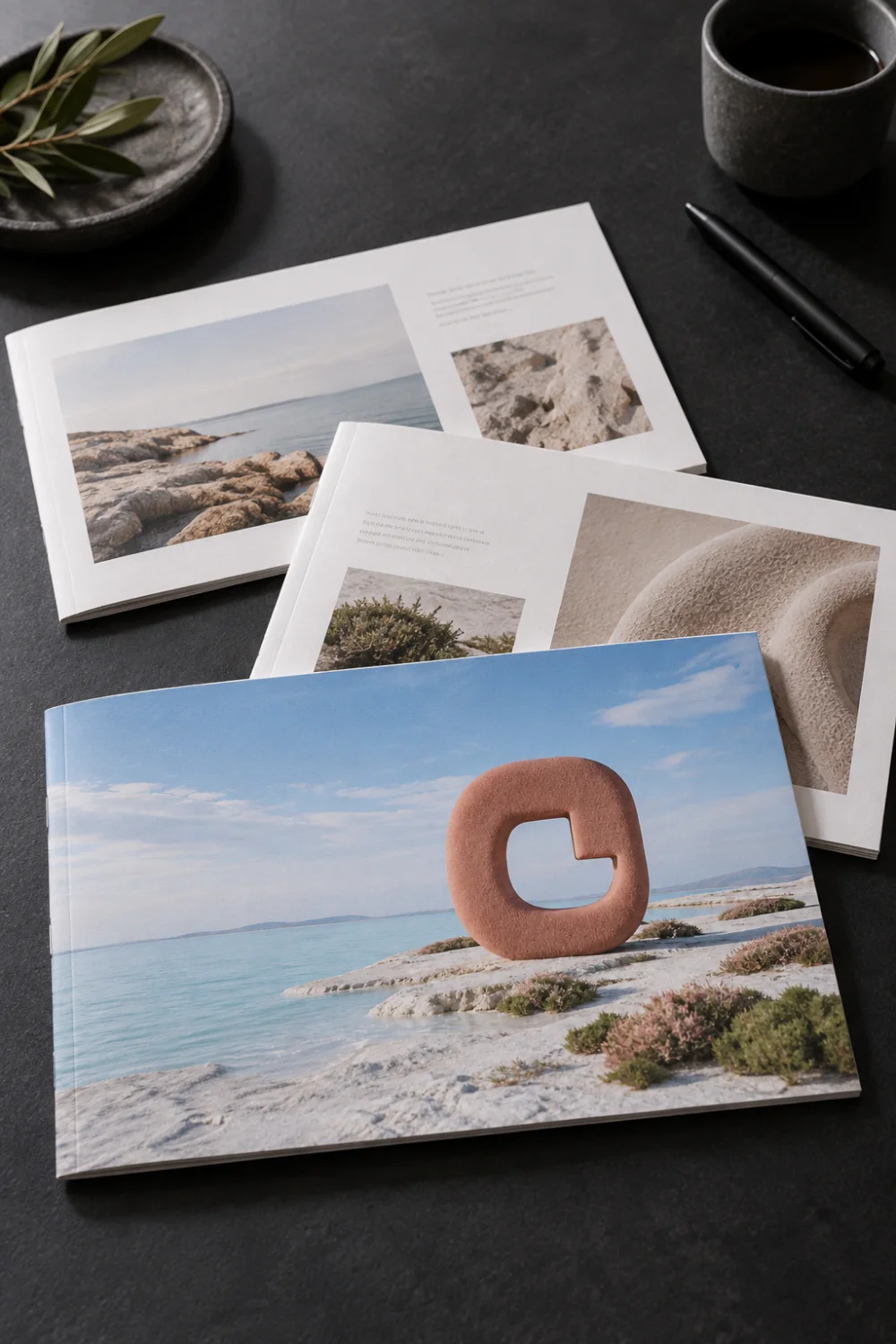 Explore Deck Studio
Photo Studio
 Explore Photo Studio
Video Studio
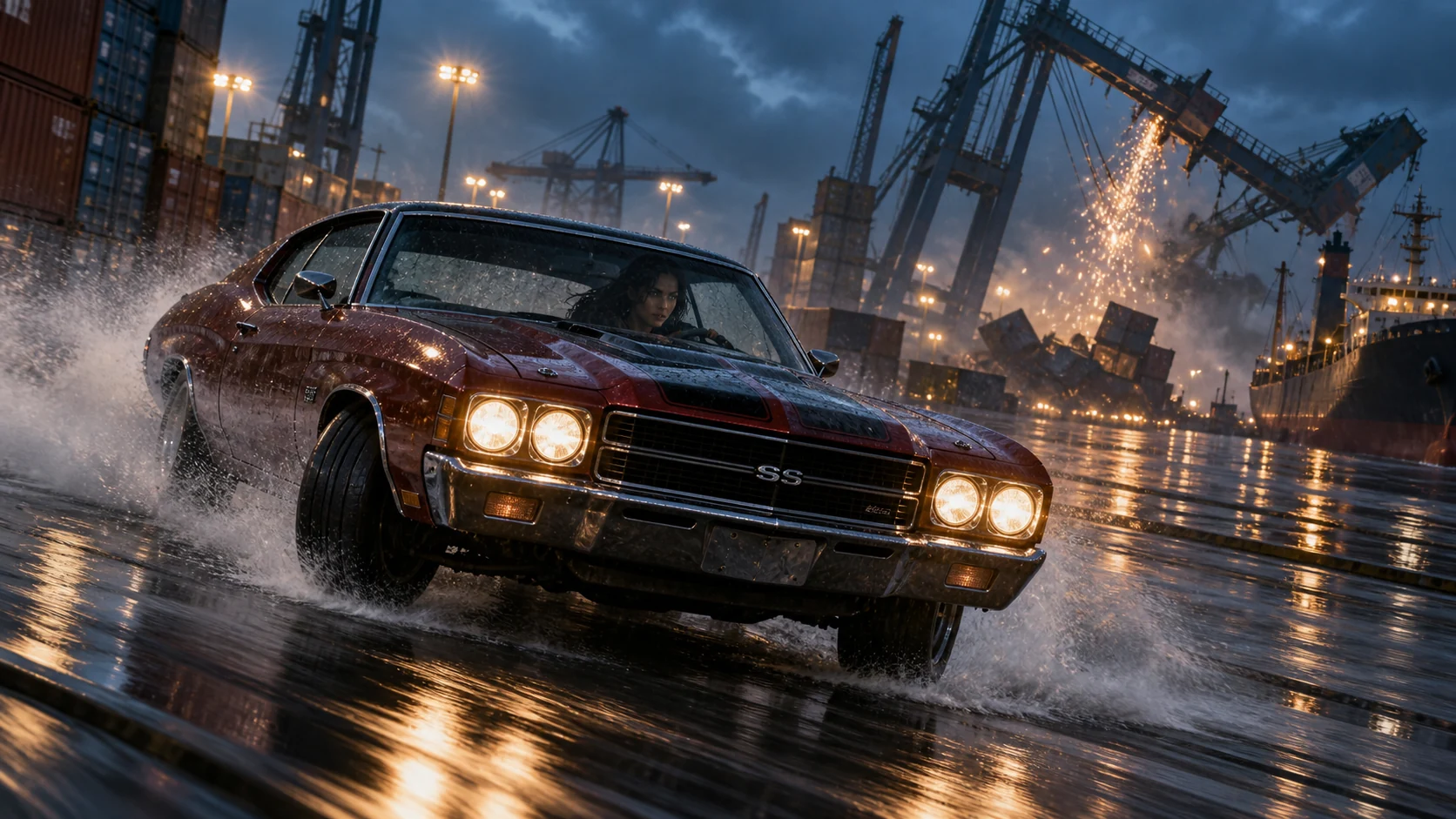 Explore Video Studio
UGC Content
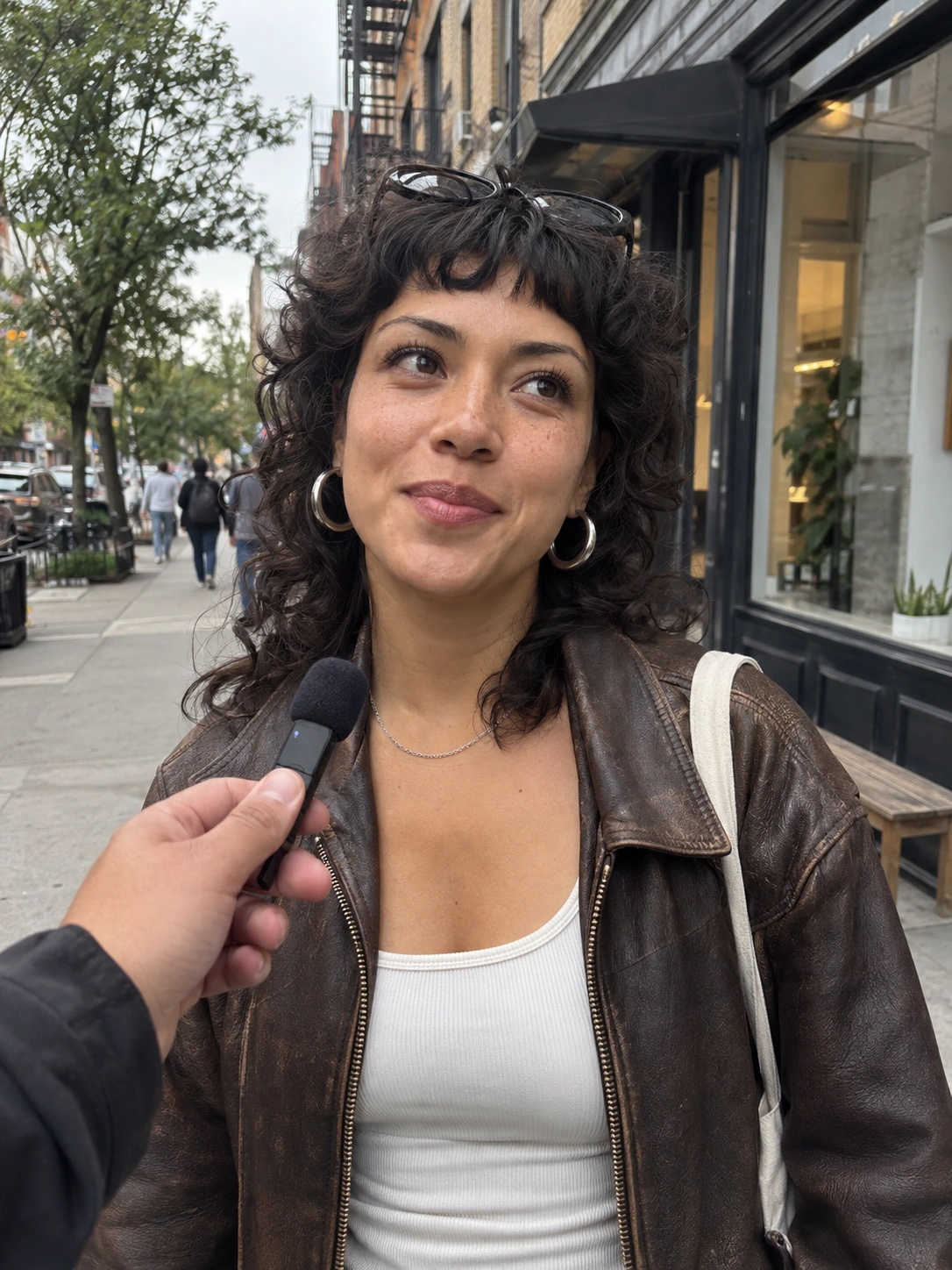 Explore UGC Content
Product Shoots
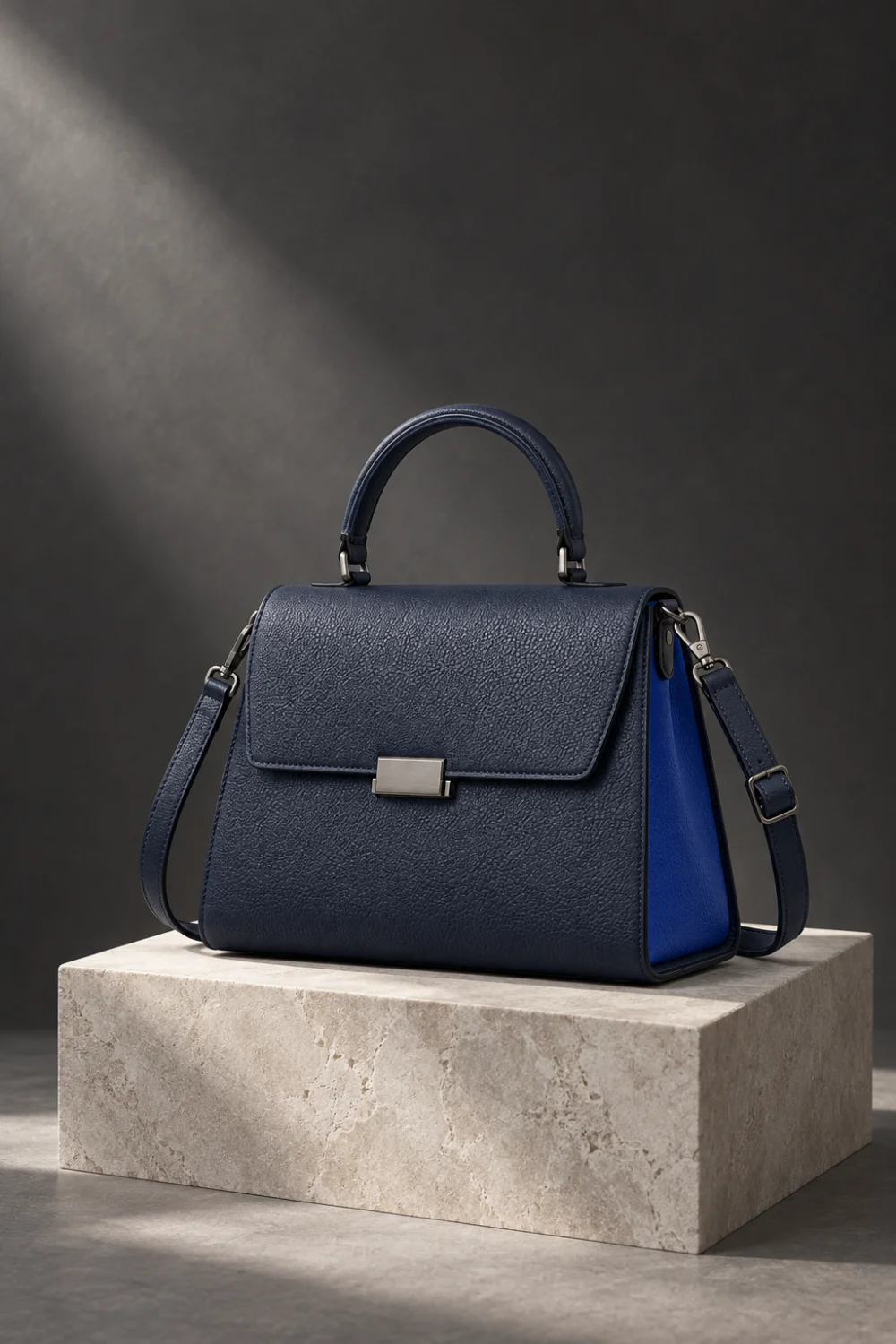 Explore Product Shoots
Brand Systems
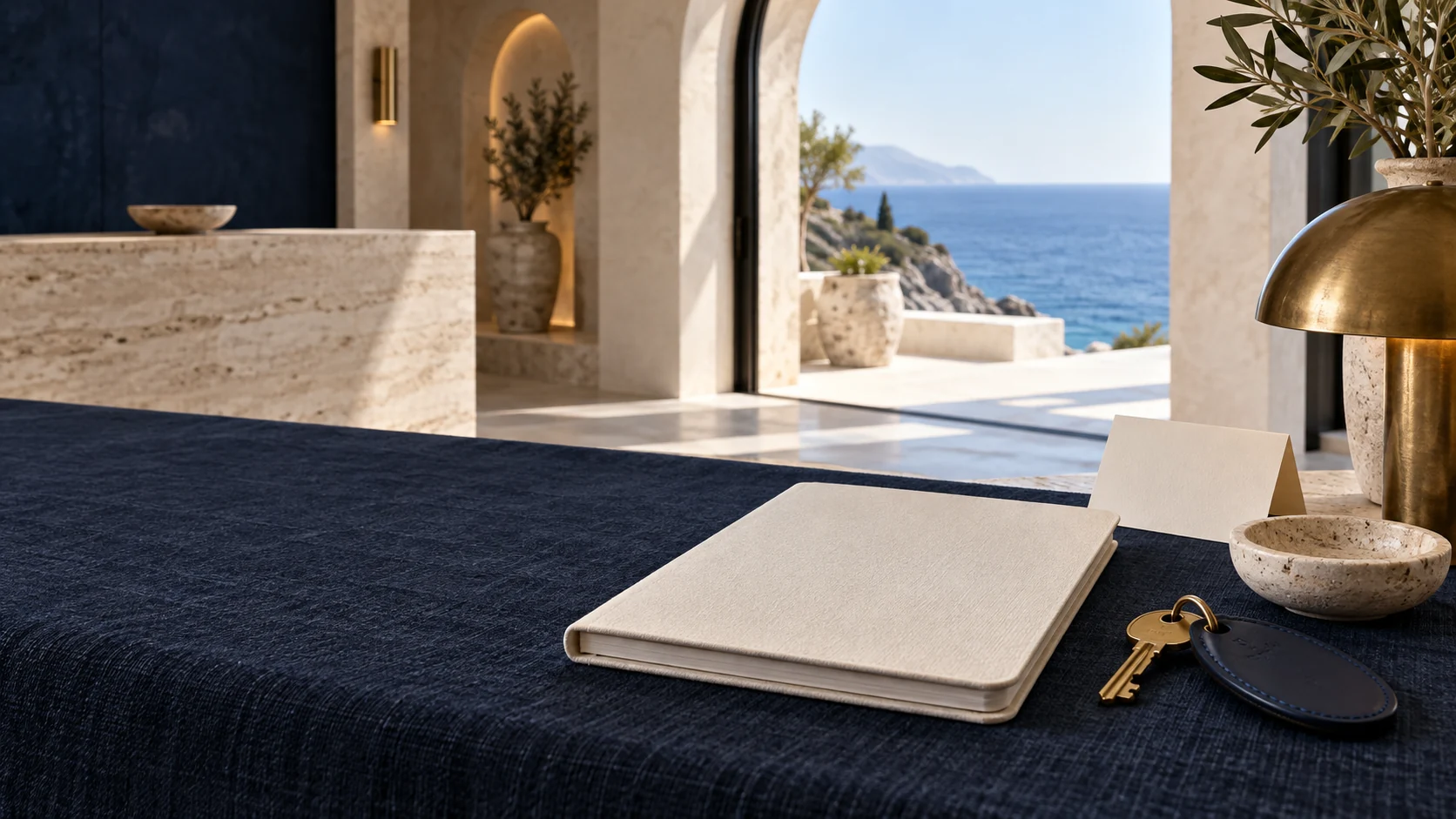 Explore Brand Systems
Campaign Creative
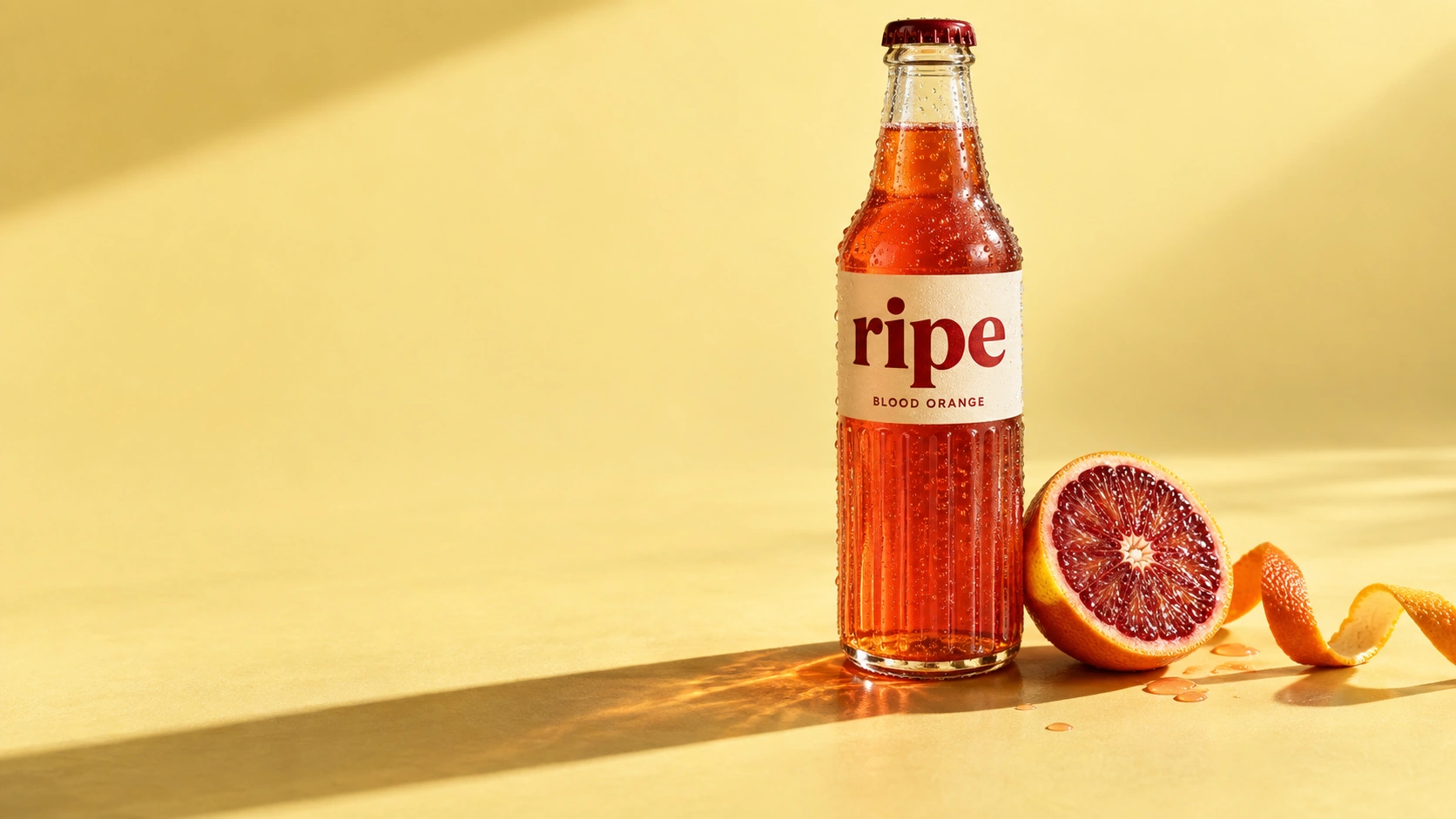 Explore Campaign Creative
Character Studio
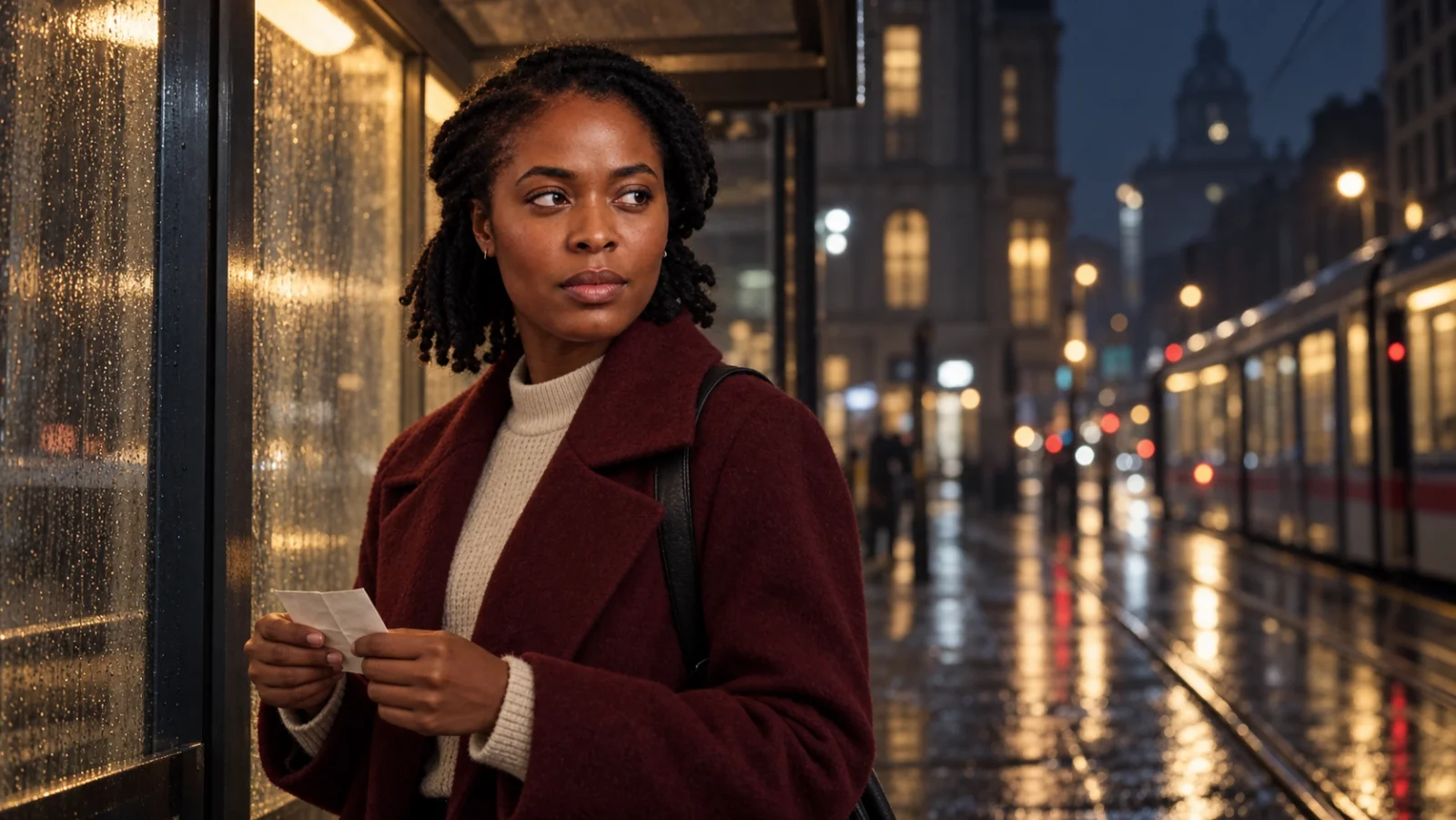 Explore Character Studio
Storyboards
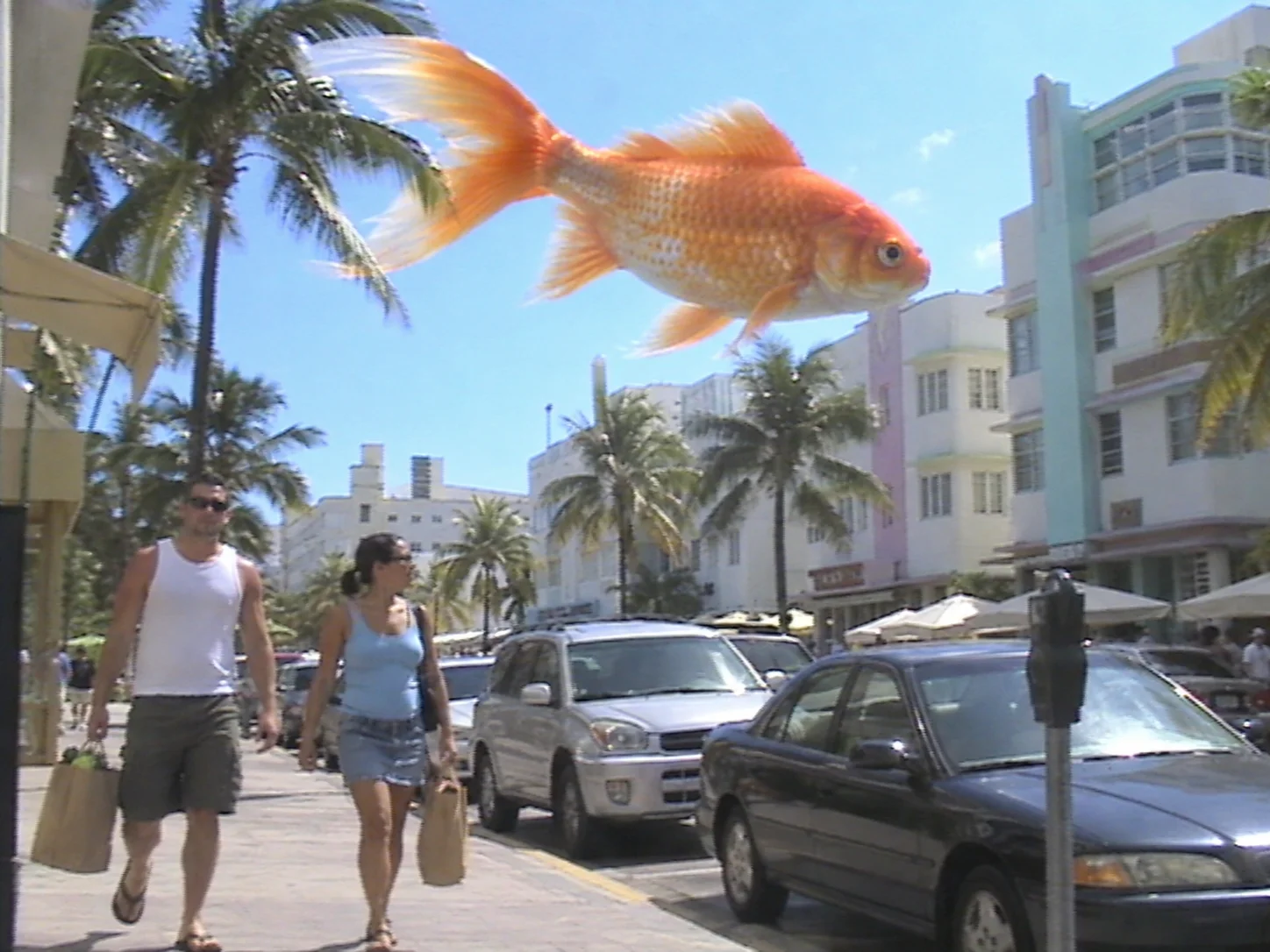 Explore Storyboards
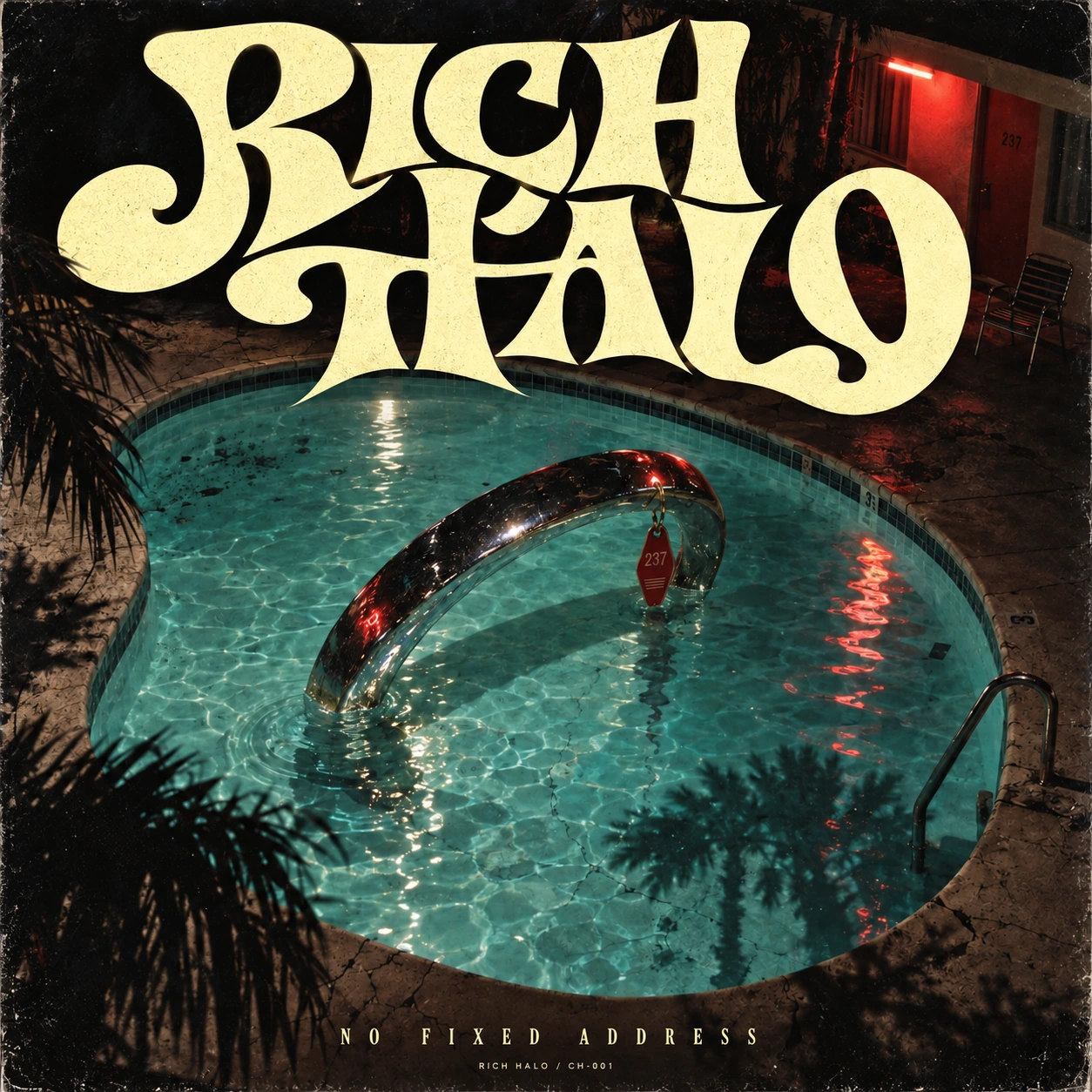
Graphics & Illustration
 Explore Graphics & Illustration
CONTINUITY, BUILT INTO THE WORK
Build the references once. Choose what belongs in the next scene. Review each result before carrying it forward.
FOR THE PEOPLE WITH AN IDEA
The independent with a big idea. The production team bringing a world to life. A place to create, at whatever scale you work.
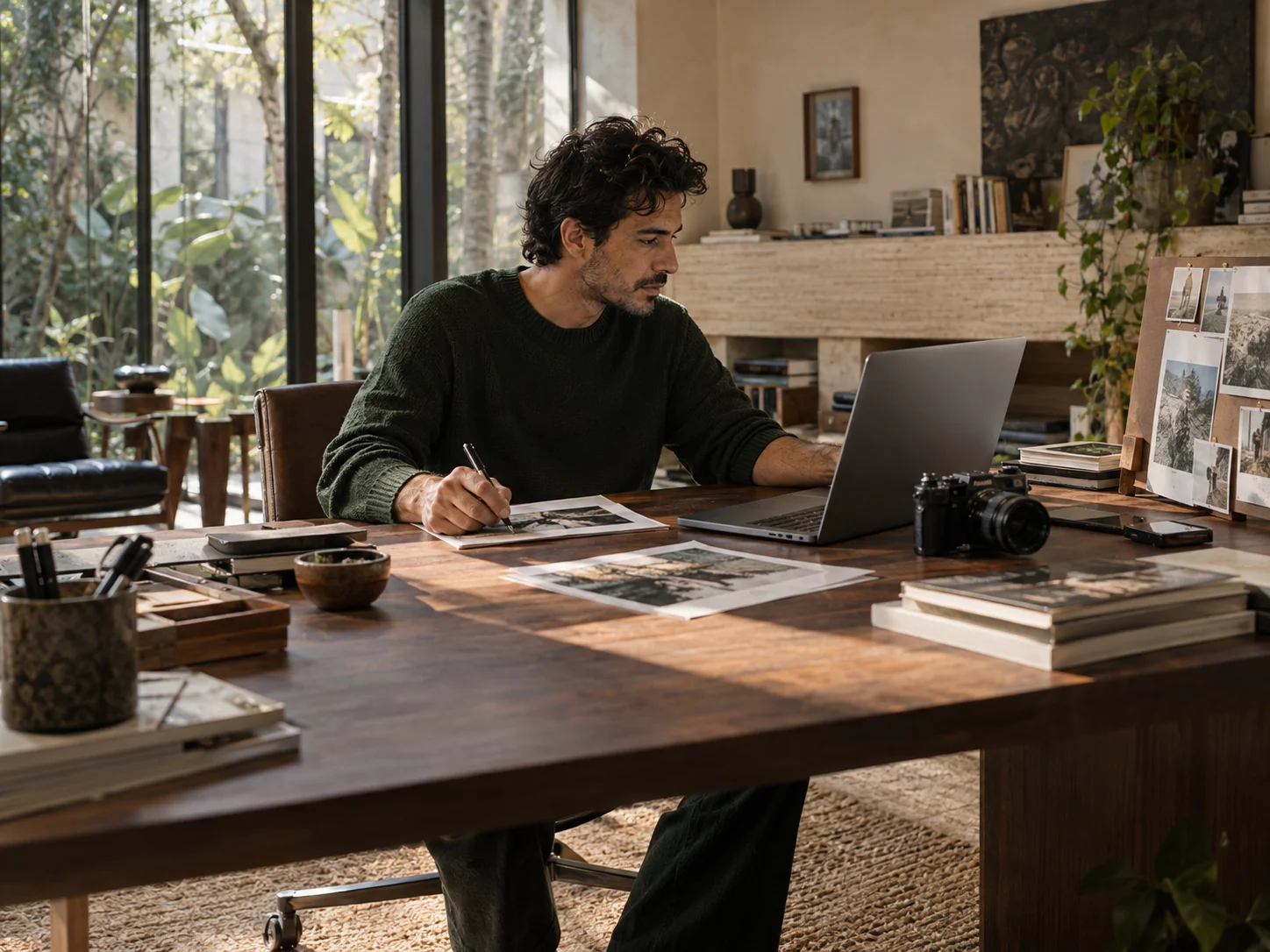
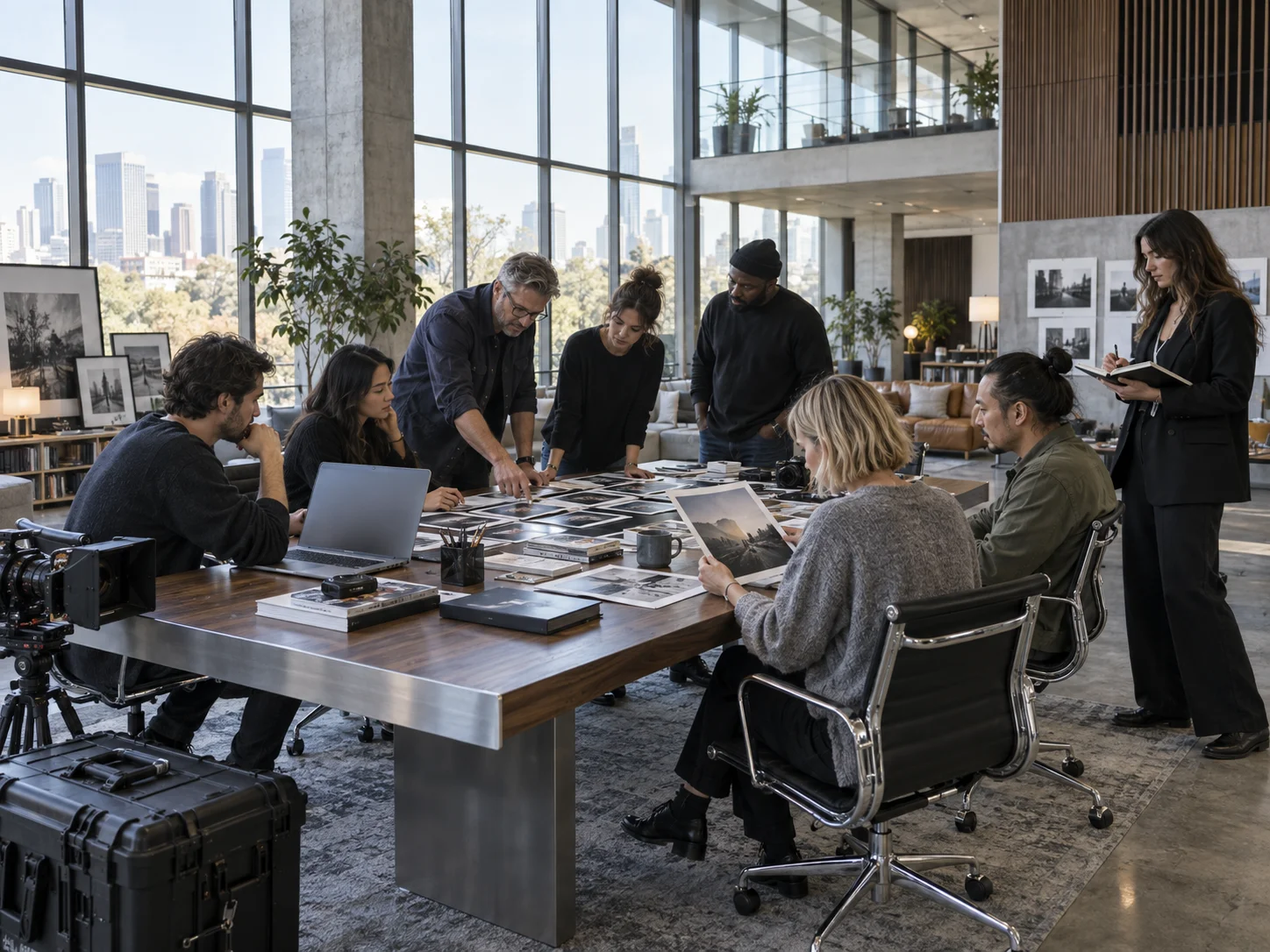
AI-created editorial scenes.
THE SEPIA ECOSYSTEM
Images, films, characters and presentations.
GrowYour clients, operations and next move.
HostBring people together around your events.
Creator Studio and CRM share your Sepia workspace. Lava Lamp brings your events into the ecosystem.
Create and edit images, plan and render video, build characters and wardrobes, photograph products, develop campaign creative and make editable presentations. Use a quick prompt for one asset or plan a connected sequence.
Yes. Bring reference photos, product images and source material. Deck Studio also accepts existing PDF and PowerPoint presentations, and image creation can use your own photos and visual references.
Yes. Build a character sheet from face and body views, save wardrobe looks, and select the character in supported image, video and storyboard workflows. References guide continuity; review the result before continuing.
No. Review the shot list, references, camera choices and timing first. Generation is a separate action, with the available options and credit estimate shown before you start.
Both belong to Sepia. Start with the product that fits your work: Creator Studio for creative production, or CRM for client records, communications and operations. Your workspace plan determines capacity and usage; see pricing for the current options.
YOUR NEXT IDEA STARTS HERE
Bring the reference. Find the direction. Make it yours.
Start creating